
Version 1.18 expands our AI features: the official image-generation Skill now lets you choose a model, aspect ratio, and template. Task mode shows live command output and previews files as they are generated, making progress on long tasks easier to follow.
Core browsing and built-in extensions gain multi-column bookmarks and improved smart screenshots. The browser engine moves to Chromium 154, while Local File Preview supports more data formats and clearer settings categories.
Mobile receives a redesigned home screen and search experience, one-tap WeChat login, significantly more accurate speech recognition, and additional read-aloud voices. Tablet browsing, text selection, formulas, and attachments also receive usability and stability improvements.
Here is the full changelog:
Desktop 1.18
AI features
The official Generate Image Skill now supports choosing a generation model, aspect ratio, and image template.
Task mode displays live command output and previews files as they are generated, making long-running tasks easier to follow.
Core browsing
Bookmarks now support multiple columns for faster browsing and discovery.
Smart screenshots
Added pinning for selected regions and a mosaic tool.
Improved scrolling screenshots on pages where they previously failed.
Fixed display issues and cases where the screenshot tool would not launch.
Upgraded the browser engine to Chromium 154.0.8037.58 for better security and browsing.
Fixed known issues to improve browser stability and usability.
Built-in extensions
Local File Preview:
Added preview support for .jsonl and .ndjson files.
Split settings into four separate pages with clearer categories.
Fixed incomplete display of Excel and CSV files containing more than 100 rows.
Mobile 1.0
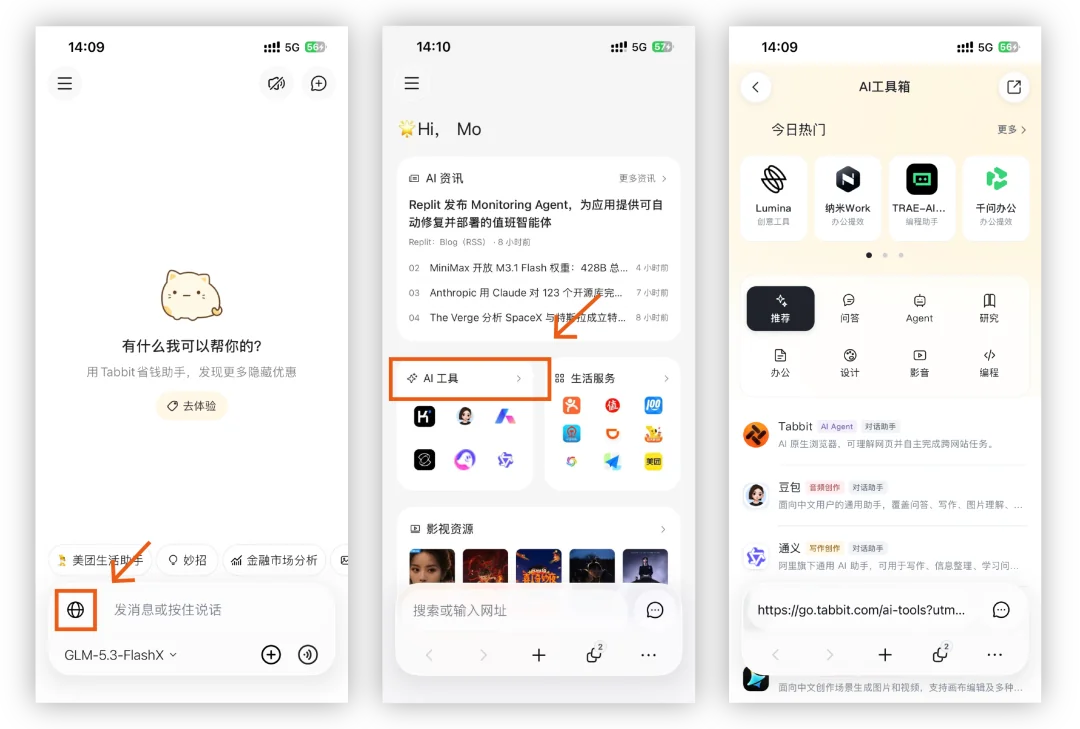
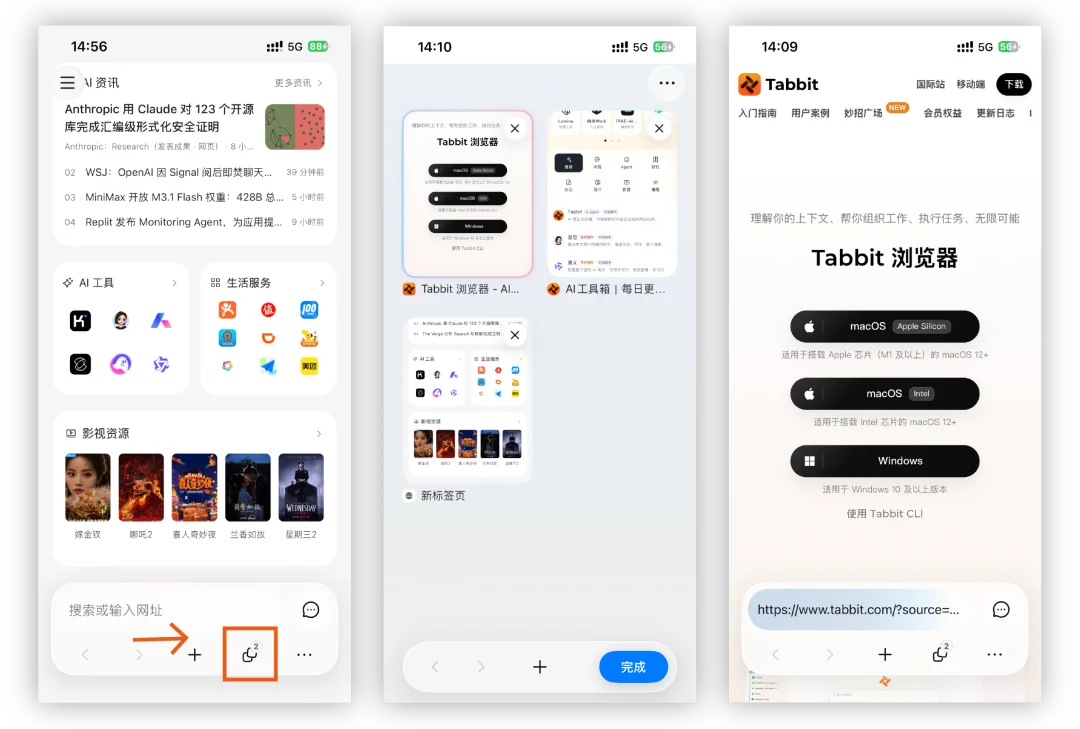
A new home screen improves access to web search and the page layout.
Added quick login using WeChat authorization.

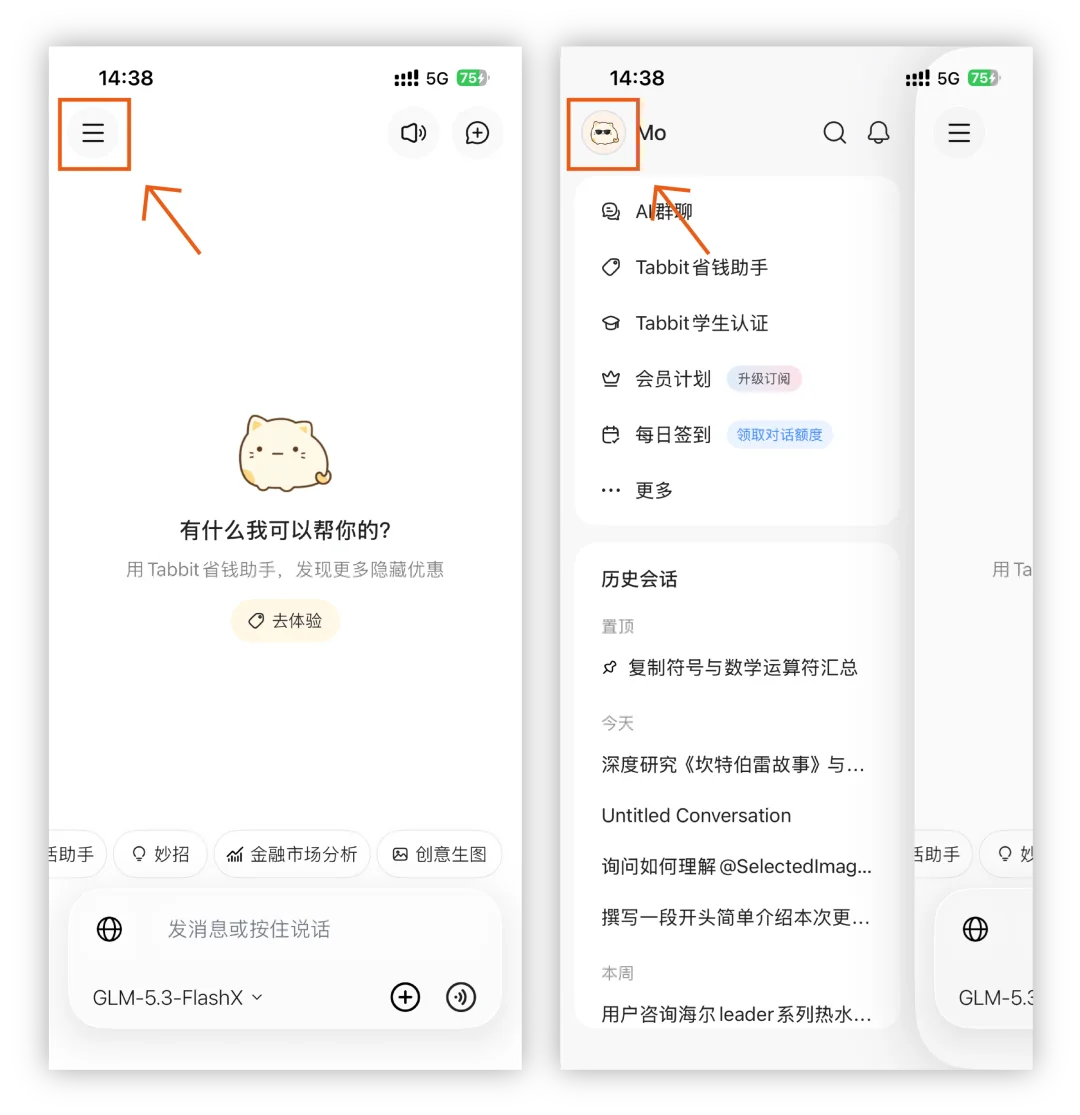
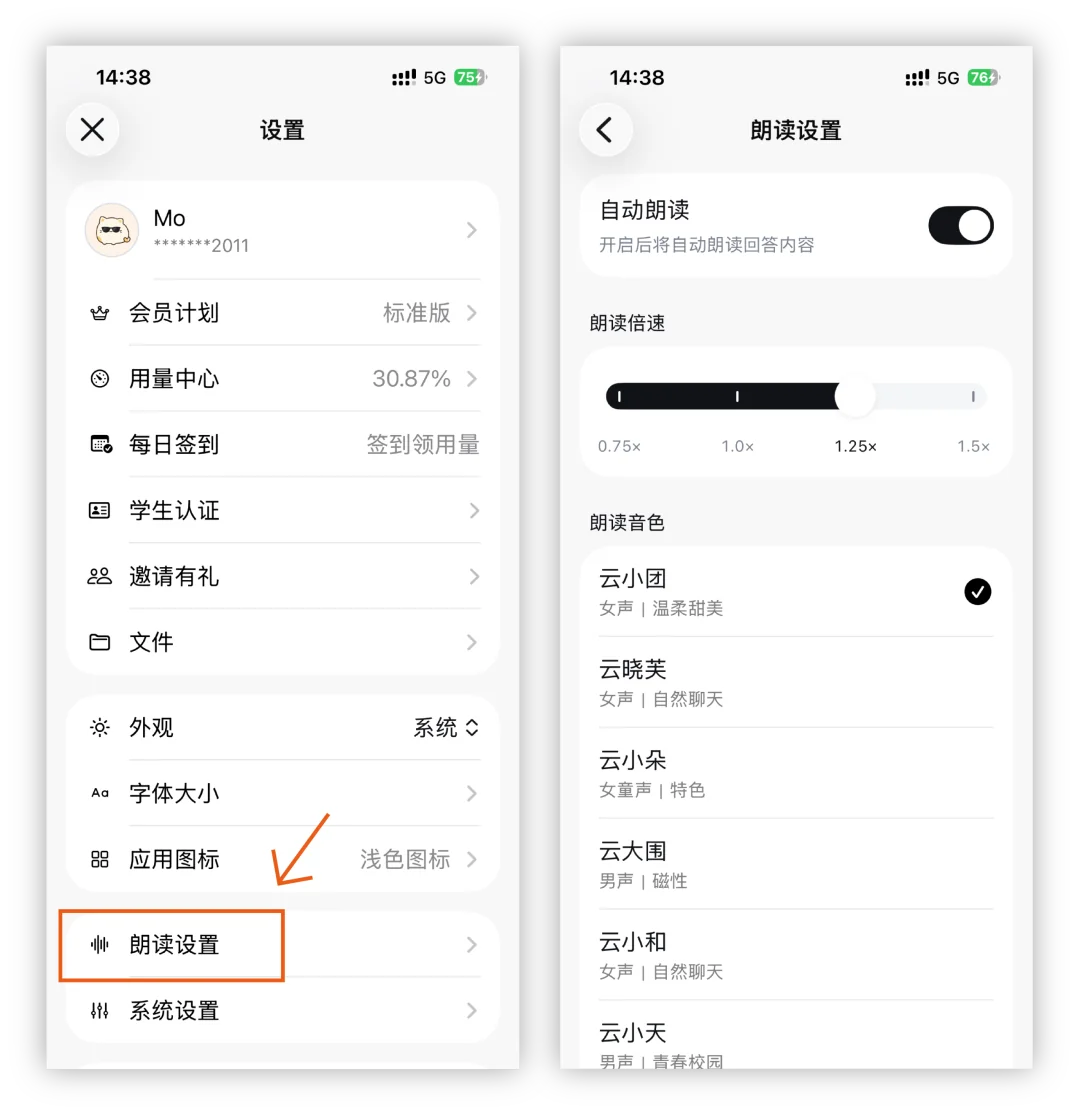
Improved speech recognition accuracy and added more read-aloud voices.
Improved tablet web browsing and fixed content being obscured at the bottom.
Improved text selection, formula display, and image attachments. Fixed crashes on some devices and speech input getting stuck for a more stable chat experience.
Improved performance and fixed several crashes.
Some improvements in this release came from feedback and suggestions from these Tabbit users:
ke/*ii@qq.com 173/*9585
189/*1225 186/*9772
Thank you for supporting Tabbit and helping us grow.
If you have not tried Tabbit, visit www.tabbit.com or follow the original article link to download the desktop app for free.
Search for Tabbit in your app store to try the mobile app. Sign in to the same account to sync bookmarks, tabs, and other browsing data through the cloud.