
Watch the install tutorial and application demos in the video
DeepSeek's newest models — DeepSeek-V4-flash and DeepSeek-V4-pro — are now fully integrated into the Tabbit browser.
In addition, Tabbit provides an official plugin for DeepSeek Harness, letting your DeepSeek directly control the Tabbit browser to carry out all kinds of web operation tasks.
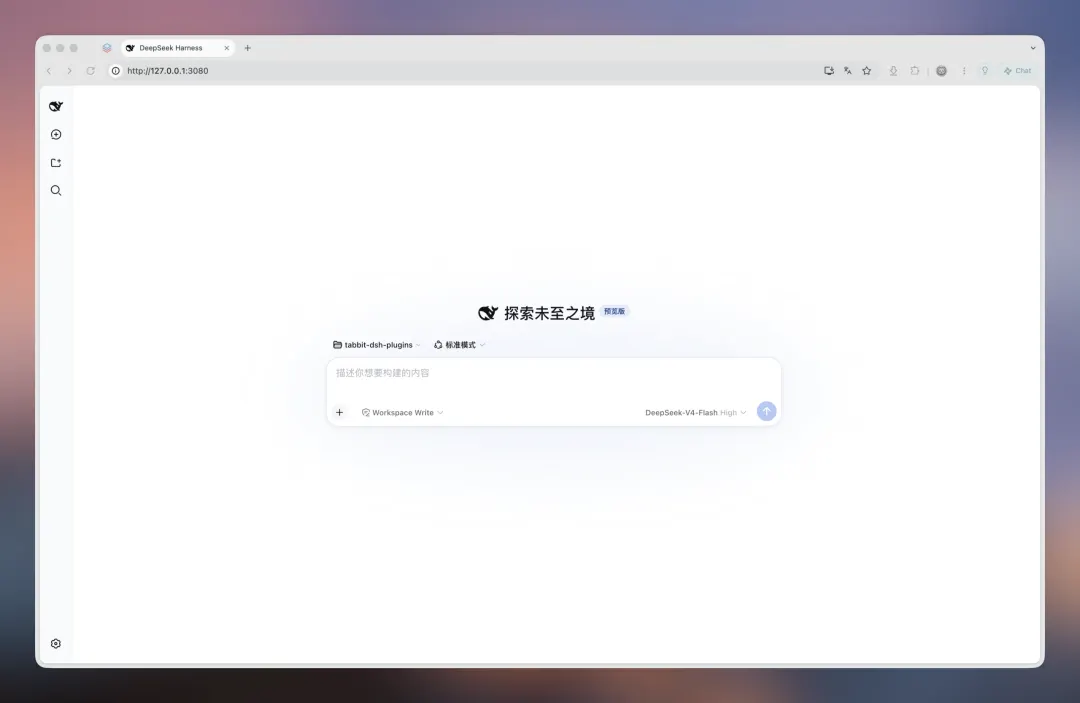
For example, type a sentence into DeepSeek Harness and the AI will automatically open web pages:
/tabbit-browser open the Tabbit.ai changelog and show me what's new in version 1.9.
DeepSeek Harness will then drive the Tabbit browser to fetch information, browse pages, automate operations, and fill in forms.
During testing, the team found that DeepSeek Harness + Tabbit's plugins can flawlessly handle the following tasks:
Filling in resumes — a godsend for students in autumn recruitment and job seekers;
Filling in online forms and documents — a must-have for working professionals;
Fetching and analyzing viral Xiaohongshu (RedNote) posts — a godsend for content creators;
E-commerce back-office and data analysis — a powerful tool for Meituan merchants;
All of these demos were done using Tabbit's newly open-sourced DeepSeek Harness plugin.
Getting started is simple — just follow the steps below one by one:
▍Step 1: Install DeepSeek Harness
First, make sure DeepSeek Harness is installed locally.
Open your computer's terminal — Terminal on macOS, PowerShell on Windows.
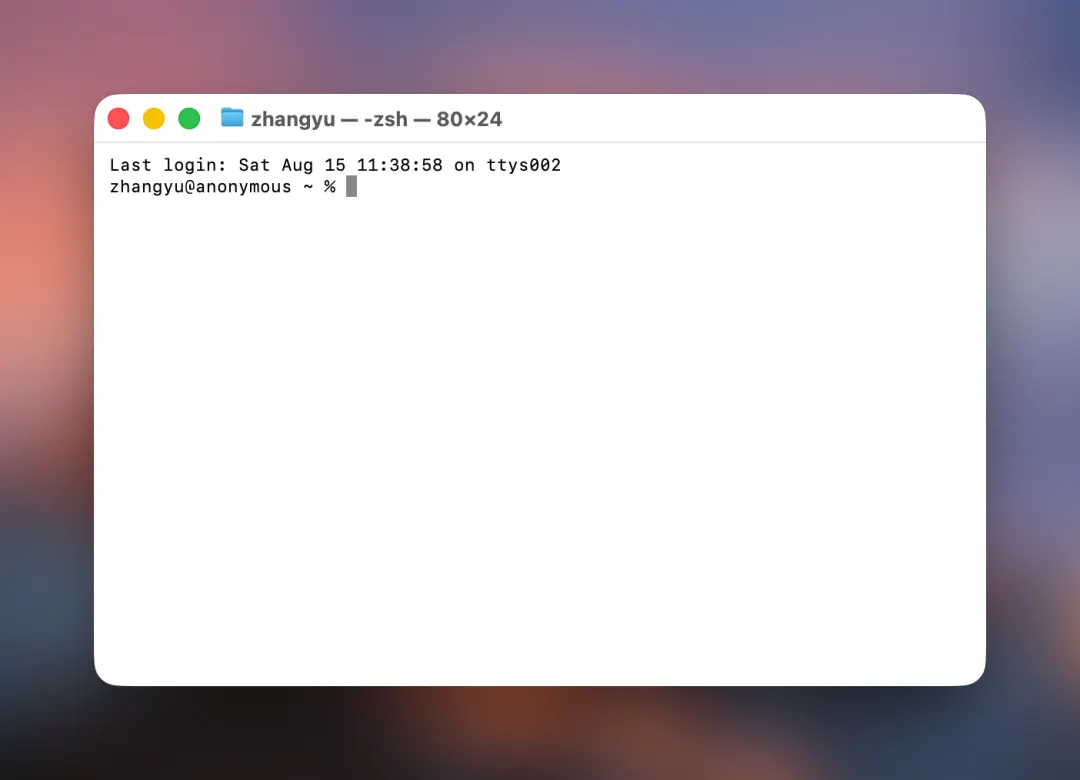
Then type the following into the terminal:
npm install -g @deepseek-ai/dsh
Once the install finishes, type:
dsh --version
If you see a version number, the installation was successful.
▍Step 2: Install the Tabbit dsh plugin
Then type the following in the terminal:
dsh plugin --profile web add github:Tabbit-Browser/dsh-plugin
When the output shows Packages:+1 with no Error, the install is complete.
Next, start DeepSeek Harness by typing:
dsh web
Then, in the Tabbit browser,
open http://127.0.0.1:3080 and you're ready to go.
Try typing /tabbit-browser.
★ Tips:
1. DeepSeek Harness requires an API key during use — you can get one from DeepSeek's open platform. Open https://platform.deepseek.com/api_keys in the Tabbit browser to create an API key.
2. If the steps above don't work for you, you can simply send this message to your DeepSeek and let it install for you:
Install this plugin for my local DeepSeek Harness: https://github.com/Tabbit-Browser/dsh-plugin
3. Browser control requires Tabbit browser version 1.9.0+ — if you haven't updated yet, please update to the latest version.
Give it a try! Show off your setup, share your experience, or tell us in the comments what tasks you'd like Tabbit to handle for you.
Here's a use case from our team:
Lately every major model lab has been shipping new models and products.
To keep up with the buzz, I have DeepSeek Harness visit the sites I frequent every day, scan a week's worth of AI news, and put together a roundup.
This way I don't have to open X, Xiaohongshu, and other platforms to check the latest — I just read the report Tabbit gives me, and jump back to a link whenever something catches my eye.
It's like having a thoughtful assistant putting together a news digest for me every day.
A browser is essentially a hub for the flow of information — both users and AI agents connect to the internet through it. Once an agent can control the browser, the entire information-processing chain is unlocked.
With DeepSeek Harness + Tabbit, you can have an agent automate the whole pipeline from information gathering to deep processing: it actively visits target sites, extracts key data, runs structured analysis, and then generates a PPT, compiles a document, or produces an investment analysis report based on your needs.
You don't need to switch back and forth between multiple tools — just focus on the core judgment and decision-making, while Tabbit handles all the tedious execution steps in one go.
If you also have updates you follow daily — real-time gold prices, market trends, news about a company you're tracking long-term, or which model lab just shipped a model...
Come give Tabbit a try.
Visit www.tabbit.ai or click "Read More" to get to the official site and download it for free.