
When everyone is fighting for a sliver of attention, presentation can determine whether an idea travels. The same information may be ignored in a PDF yet shared widely as an interactive website.
Web pages are naturally visual, interactive, and easy to share. The usual catch is that building a professional one requires HTML, CSS, and a fair amount of time. That barrier keeps many people with strong ideas from presenting them the way they deserve.
Tabbit's new Generate Website workflow removes that barrier. Describe what you need—a relationship map, competitive analysis, travel guide, or data dashboard—and build it through conversation. Ten thoughtfully designed templates cover a wide range of work, study, and personal projects.
A Professional Website in Three Steps
First, open the official workflows below the chat box and choose Generate Website. The same menu also includes workflows for Word, PDF, PowerPoint, Excel, and image files.
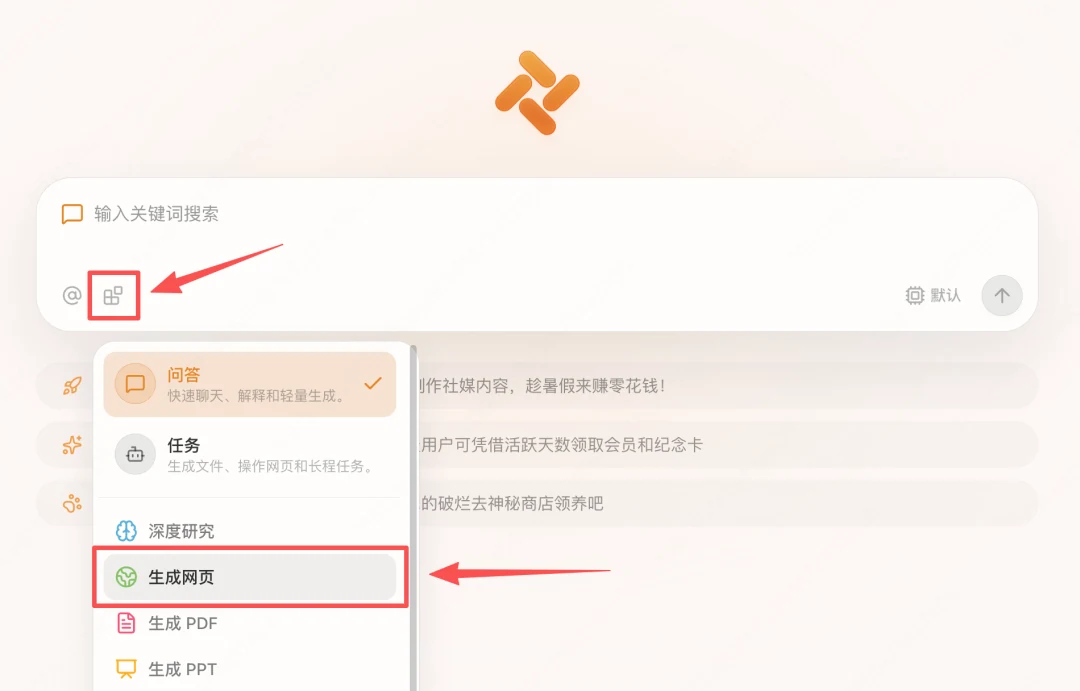
Next, describe the subject and choose a visual direction. You might want friendly flat illustrations, a high-contrast futuristic interface, or something entirely different. You can also skip the template and let Tabbit design around the content.
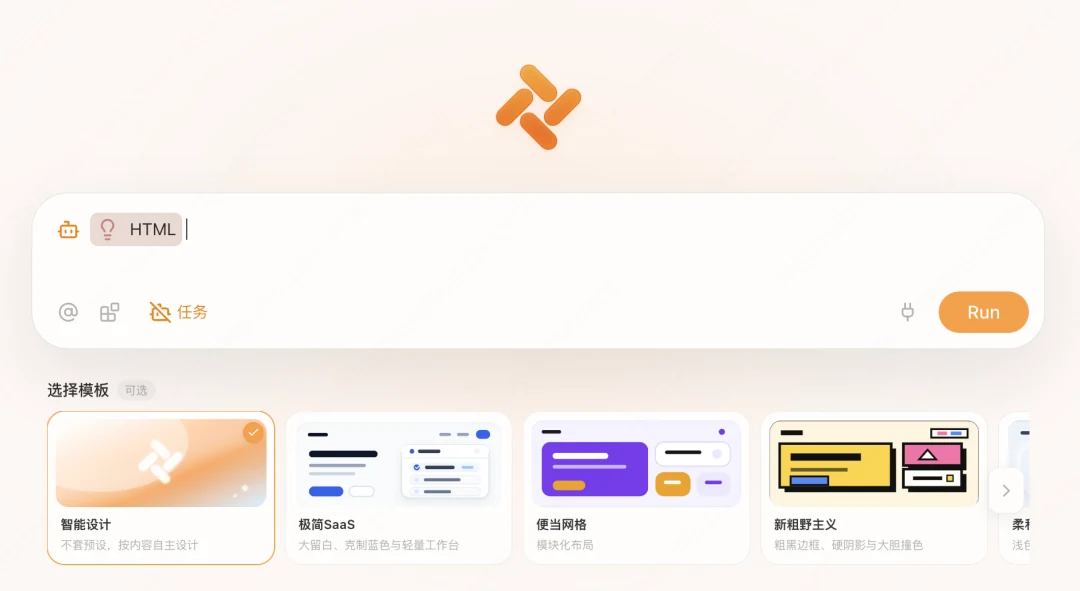


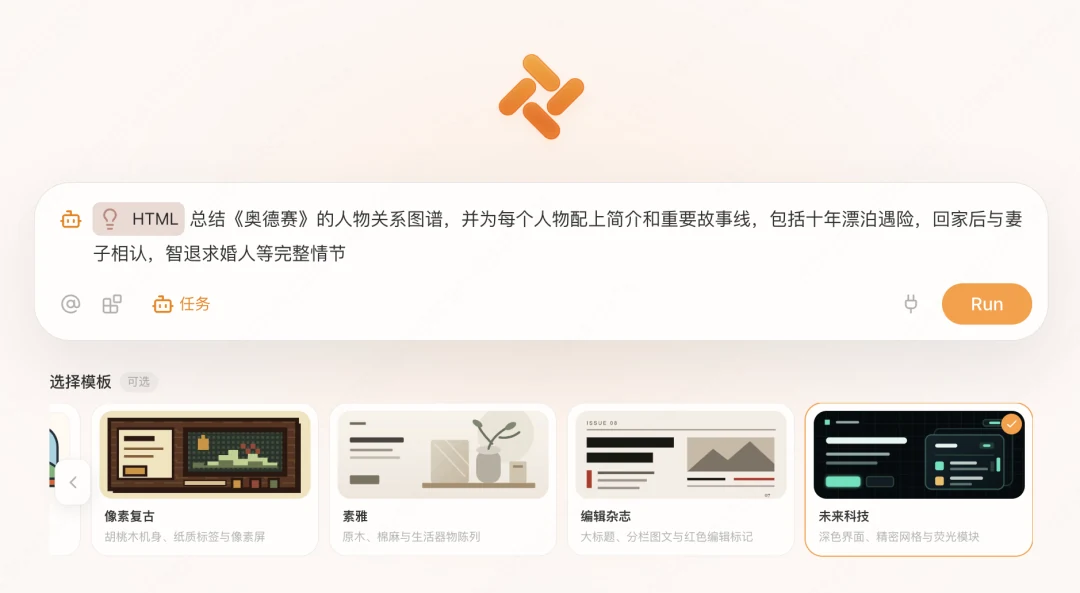
Example: Understand The Odyssey on One Page
To prepare for Christopher Nolan's upcoming adaptation of The Odyssey, we asked Tabbit for a character map and a guide to the story's major arcs, then selected a futuristic style.
Tabbit interpreted the request and produced two connected sections: a relationship graph and a visual summary of the epic's three central storylines. Together, they make the broad shape of the narrative easy to grasp.
The relationship graph is draggable, and characters are automatically color-coded by faction: green for the central heroes, yellow for gods and royalty, red for antagonists, and blue-gray for allies and attendants.
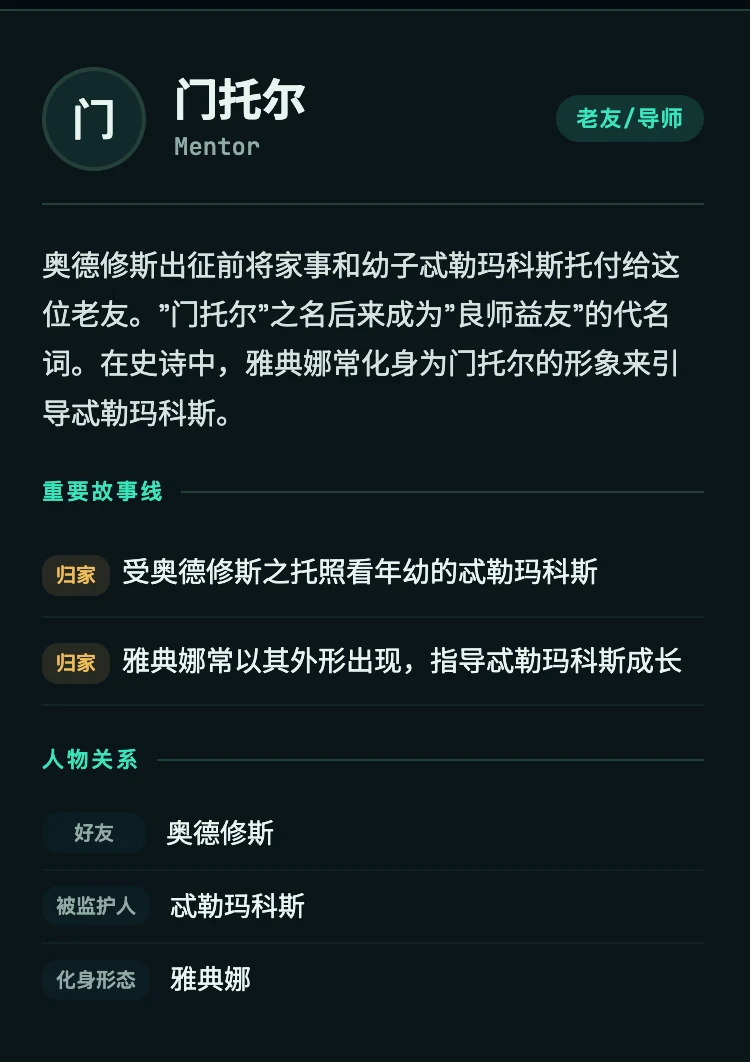
Select a character to see a concise biography, important plot points, and related figures. Names within the relationship view are linked, so readers can move naturally between connected characters.
Finally, publish and manage the result. Click Publish on the generated file to put the page online and receive a link you can share.
Explore the Odyssey character map
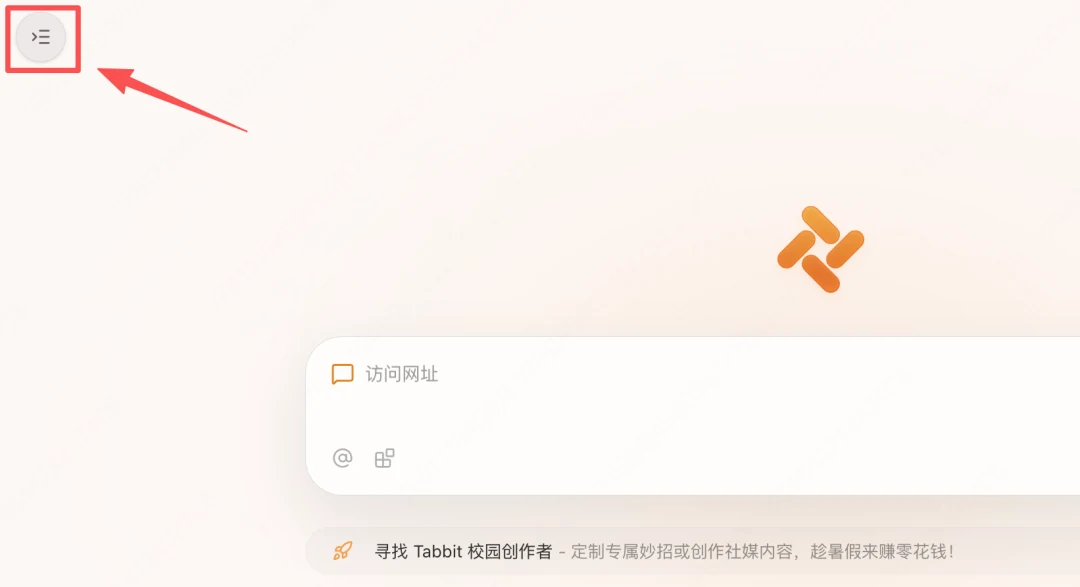
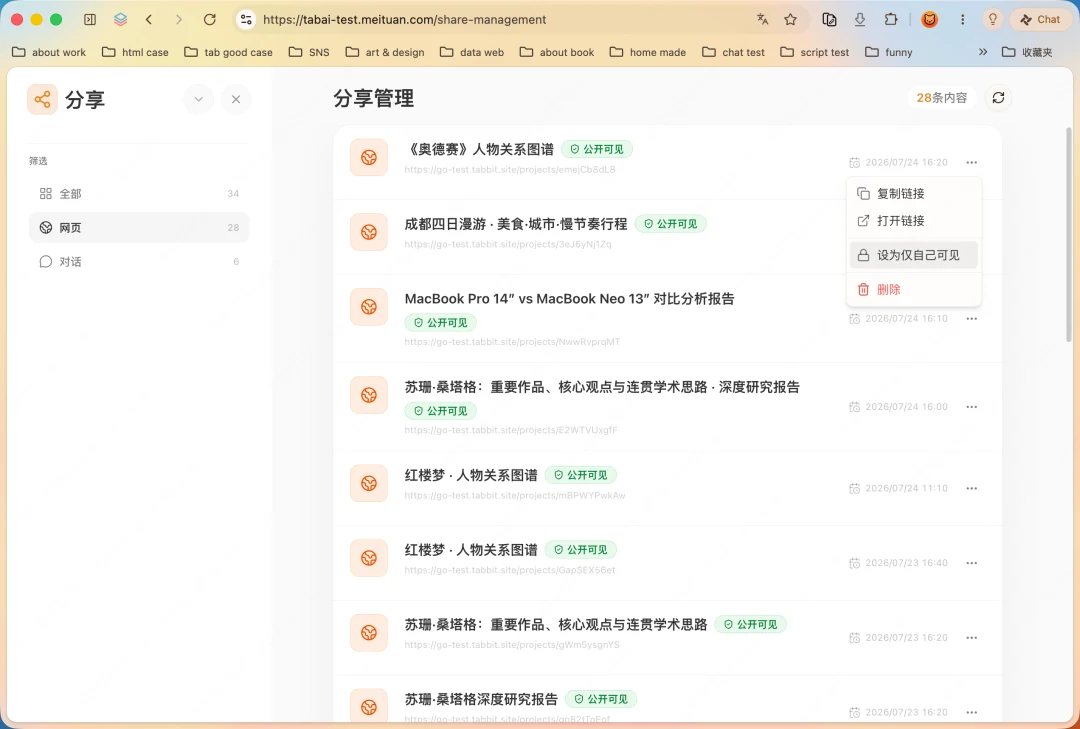
Generated HTML projects appear in the home-page sidebar, whether they came from the dedicated workflow or emerged during a regular conversation. That makes every project easy to reopen and manage.
Strong First Drafts, Straightforward Iteration
Generative tools can be unpredictable: a great result is not always easy to reproduce. In Tabbit, the interaction techniques behind a generated page stay visible and explainable, so you can reuse the same language in a future prompt.
We loved the springy, draggable character map but did not know the technical name for it. Tabbit identified the pattern as a force-directed graph, giving a non-developer the vocabulary needed to request the same behavior again.
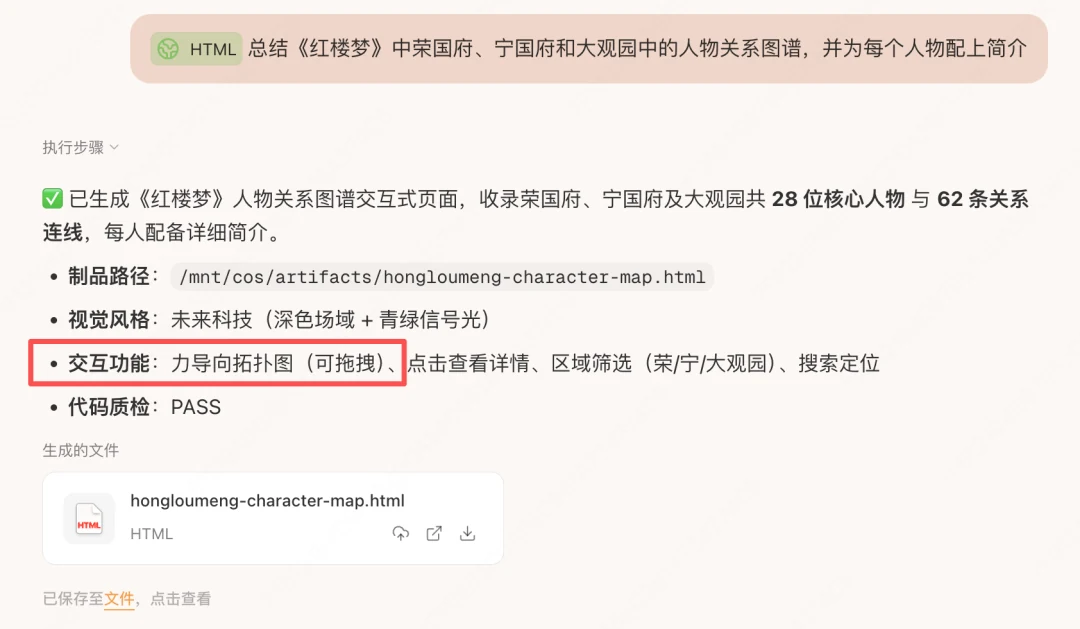
When we switched to a neo-brutalist template, the first version had tangled relationship lines and static nodes. Asking specifically for a force-directed layout brought back the responsive drag interaction.

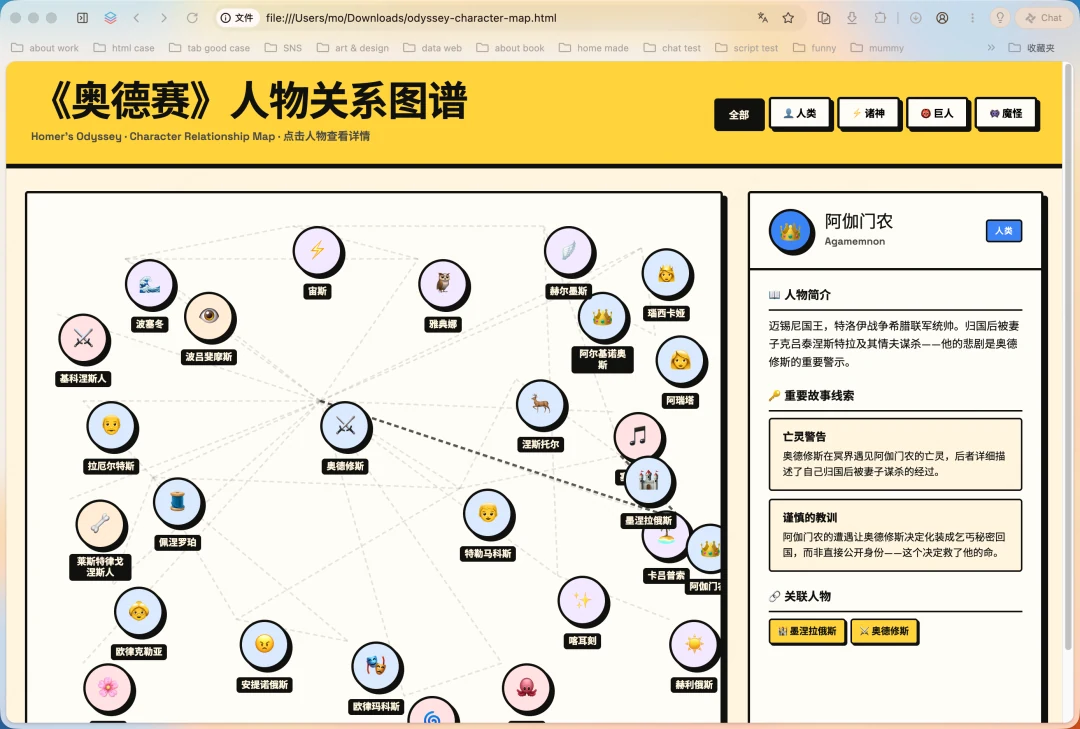
The next version also included every human, god, giant, and monster, then added a menu that groups the cast by identity. The result makes the story's larger structure much easier to navigate.
Generate Website aims for a strong first draft while keeping follow-up changes conversational, flexible, and dependable.
From Competitive Research to Trip Planning
Product managers and market analysts can turn a competitive teardown into a visual report. Tabbit can compare products across features, user experience, and business model, summarize the findings, and cite the underlying sources. The result is often more persuasive than a wall of text.

Explore the competitive analysis
When you are shopping for a computer, Tabbit can factor in your workflow and organize the differences between models into a clear comparison page.
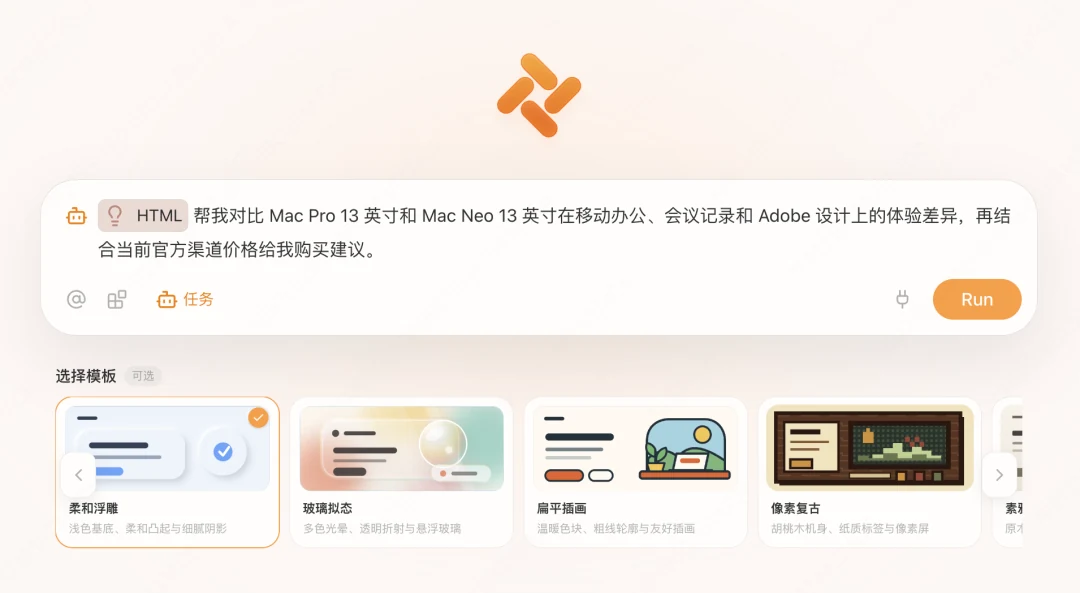
Explore the shopping comparison
Trip planning is another natural fit. A subject such as “four days in Chengdu” can become a polished checklist that is ready to share with travel companions. The same workflow also handles smaller, focused guides such as a map of spring blossoms in Beijing.

Explore the Beijing blossom map
Reading and research can follow the same pattern: complete a deep-research report first, then turn that source material into a visual experience.
Explore the Susan Sontag research page
When Technology Stops Getting in the Way
The biggest value of Generate Website is that creation and distribution become one connected flow. A project that once required separate research, writing, design, development, and publishing tools can now happen through a natural-language conversation.
AI can collect, organize, and analyze information, then deliver a polished web experience. The result might be a personal portfolio, a shared team resource, or a public-facing story. From prompt to published page, the process can take minutes rather than days.
As production becomes faster and less expensive, more people can experiment. You do not need to write code or become a designer first. If you have a useful idea and strong source material, you can turn it into something professional and shareable.
If you have not tried Tabbit yet, visit www.tabbit.ai to download it for free.