
Maybe it is a bit of old-internet nostalgia, but I have always longed for a personal blog with its own domain.
But as someone who knows absolutely nothing about code or programming, every time I opened someone else's website-building tutorial, I clicked in happily and backed out humbled. It was not that I did not want to learn. The moment I heard a stream of unfamiliar terms, it all felt too complicated and exhausting, so I would tell myself: maybe some other time.
And so tomorrow became tomorrow again, until the AI era finally arrived.
Yesterday, I used Tabbit to create the first HTML page of my life. It was only a single-article display page with very basic and simple interactions, but when the web preview appeared in the chat box for the first time, I was still stunned.
Because during the entire generation process, I did not write a single line of code, nor did I need to read one. I simply described what I wanted in the Chinese I know best, and it was made.
Of course it is far from perfect, but I know clearly that my personal blog is no longer far away.
Here is the process of generating an HTML page with 9 queries. I know a title like Zero Code, One Query to Build Your Dream Website would get more clicks, but unfortunately, I used 9. It is not that one query could not produce anything; what it produced was just too ugly.
Q1
I found an article I had written before and opened AI Q&A from the sidebar:

Well... it was perfunctory and rough, with some very strange illustrations.
The original article actually had illustrations, so I asked it:
Q2
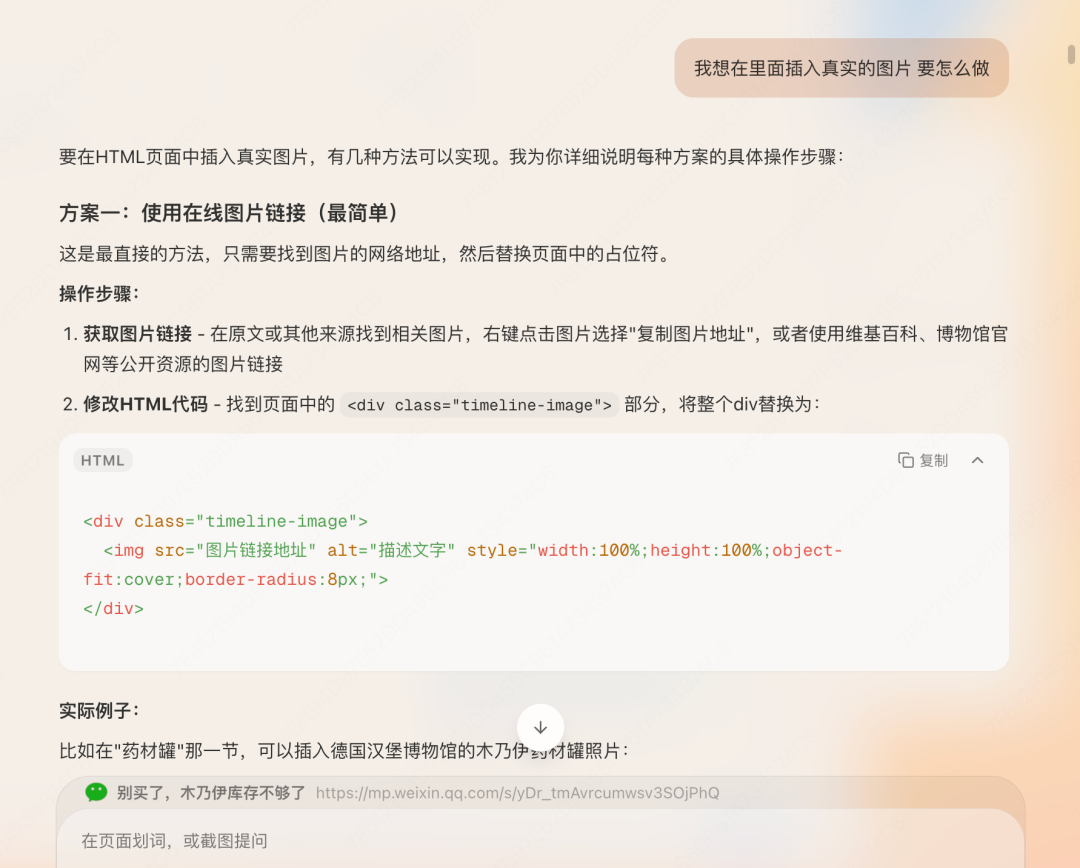
It offered me three illustration approaches. I could not understand the code and only half-understood the descriptions, but one sentence caught my attention:

I selected it and continued asking:
Q3
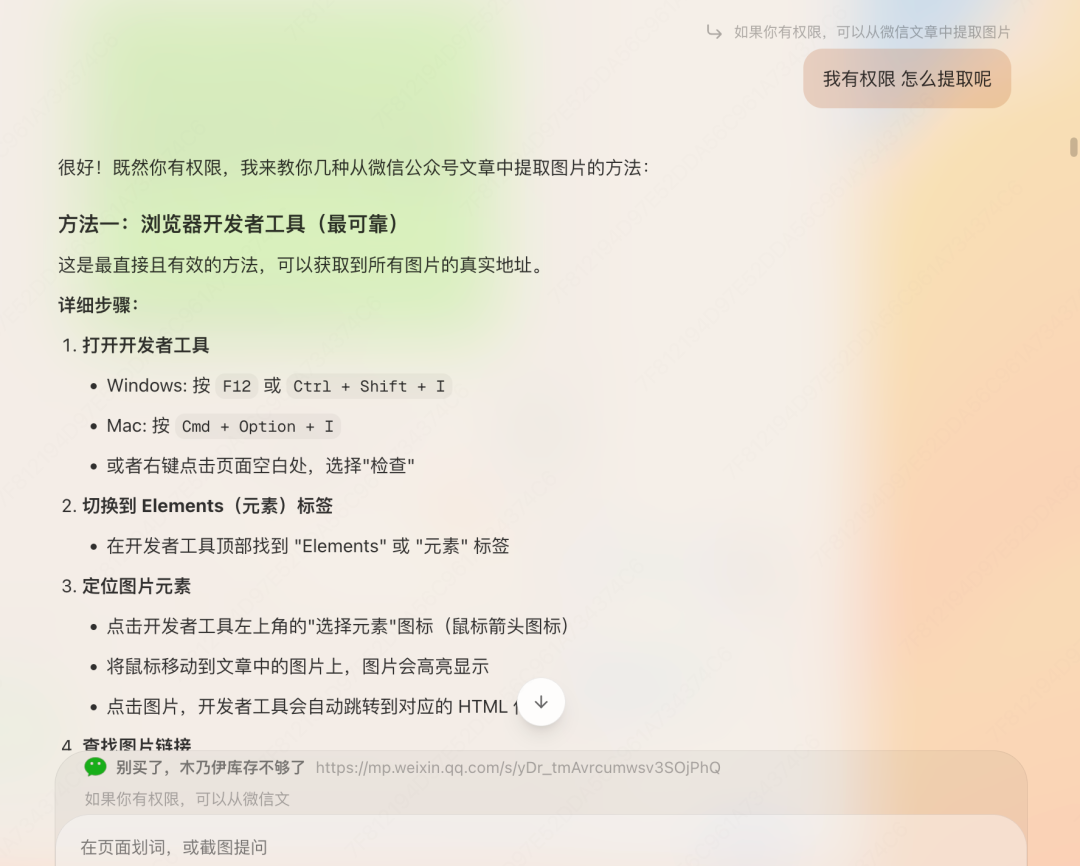
Tabbit said a lot of things, and honestly it gave me a headache. I did not really want to read it; it felt like a very troublesome task.
Then I remembered Tabbit's Agent mode. So:
Q4
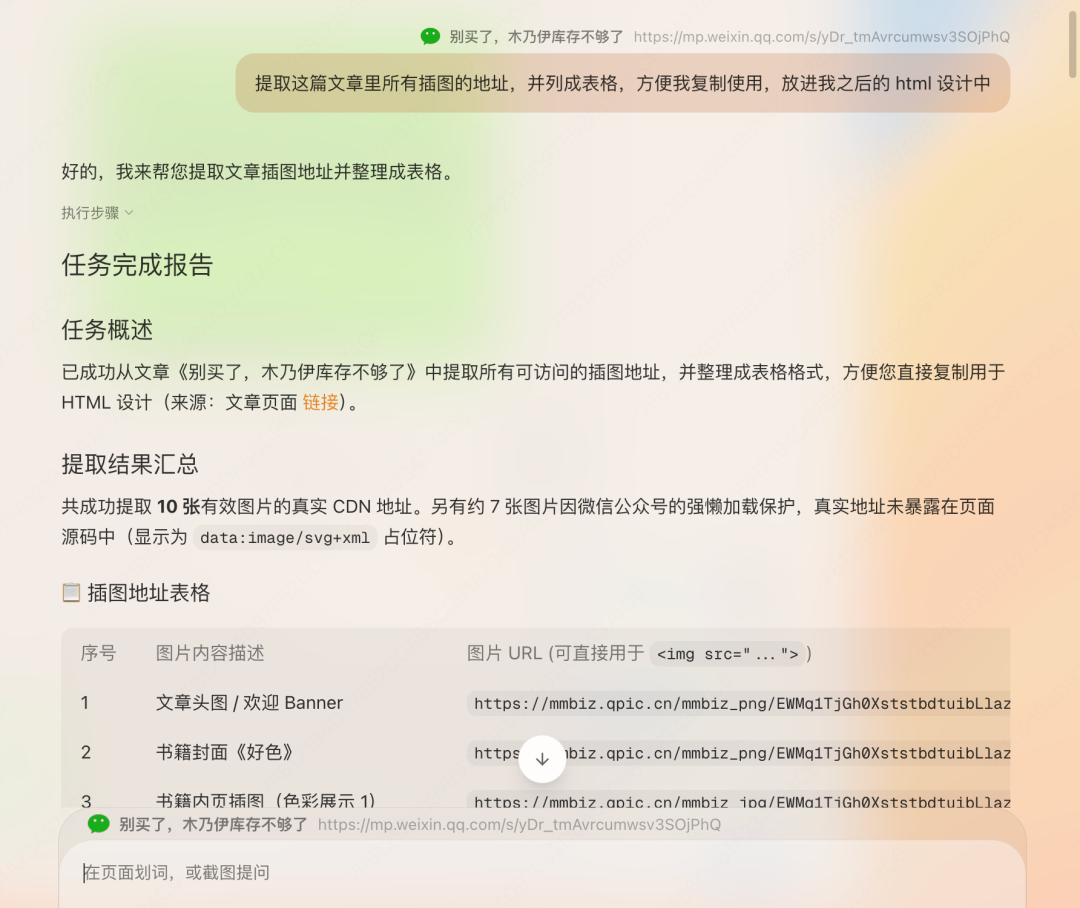
As expected, AI understands AI best. The Agent extracted the correctly formatted URLs that could be used in the HTML all by itself.
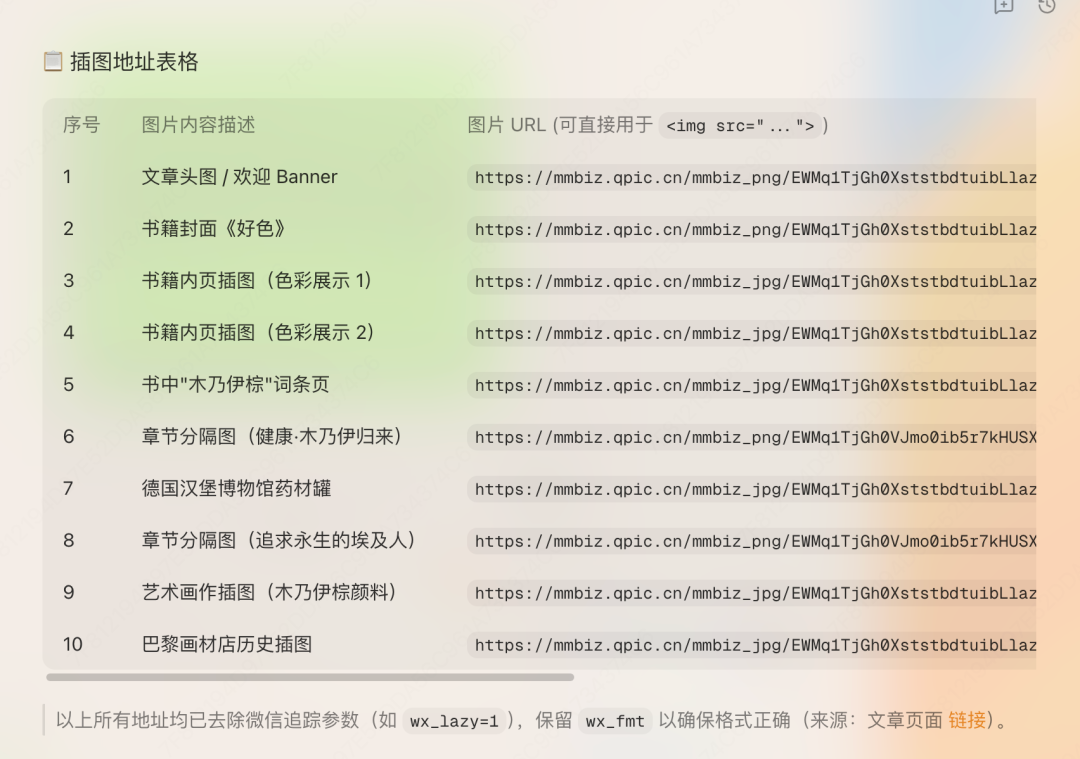
Its ability was not perfect, though. The first attempt extracted only 10 images and did not include image dimensions, so I asked it to continue and complete all the URLs:
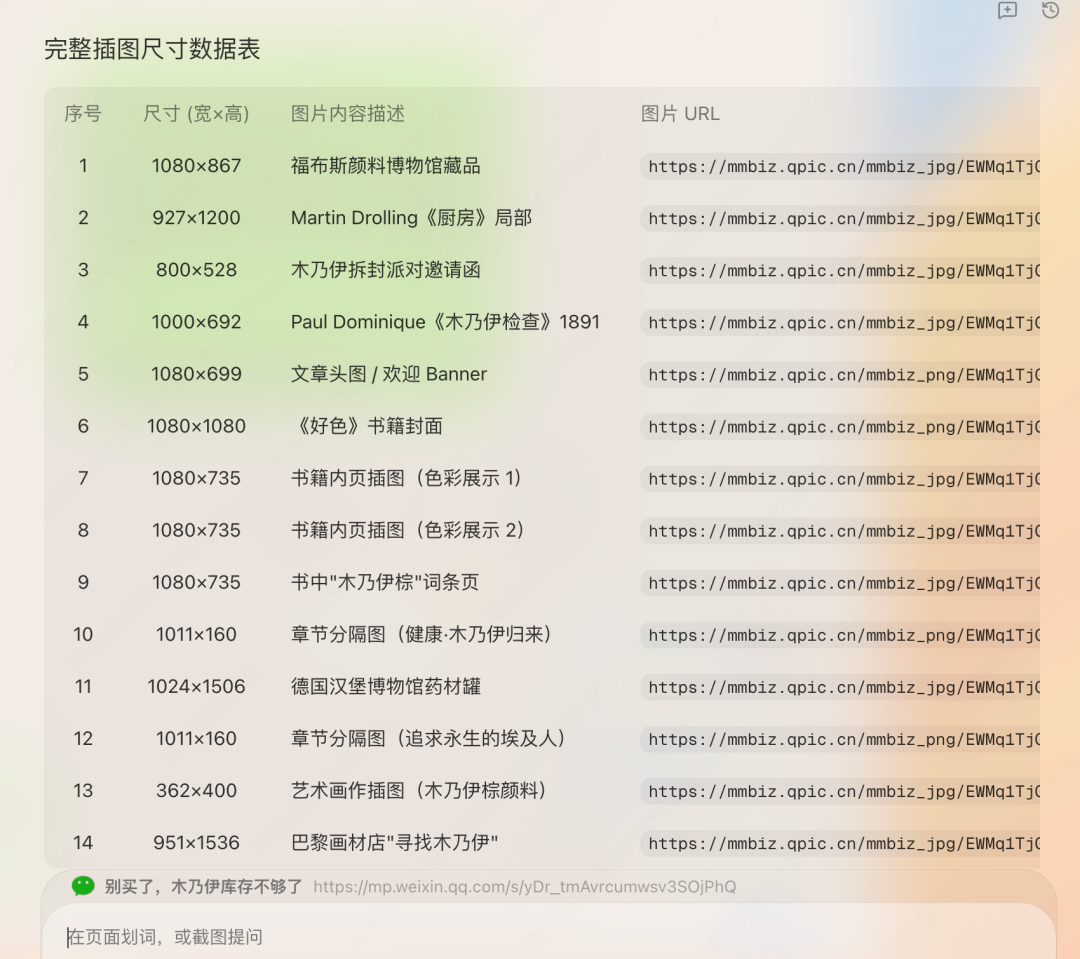
This time, it was complete.
Q5
I gave all the URLs to Tabbit:
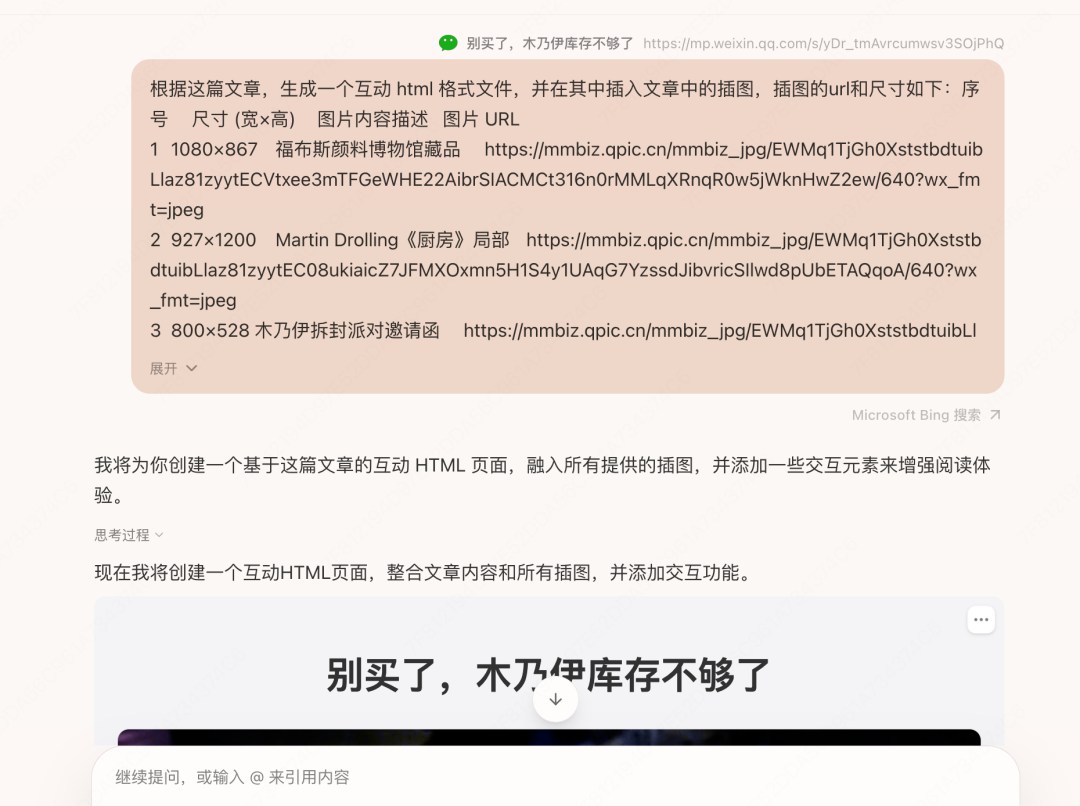
Good news from the delivery room: it was born!
Please enjoy the classic film The Mummy:
Q6
Well... the overall result was still hard to describe, though the little folding-display interaction was not bad.
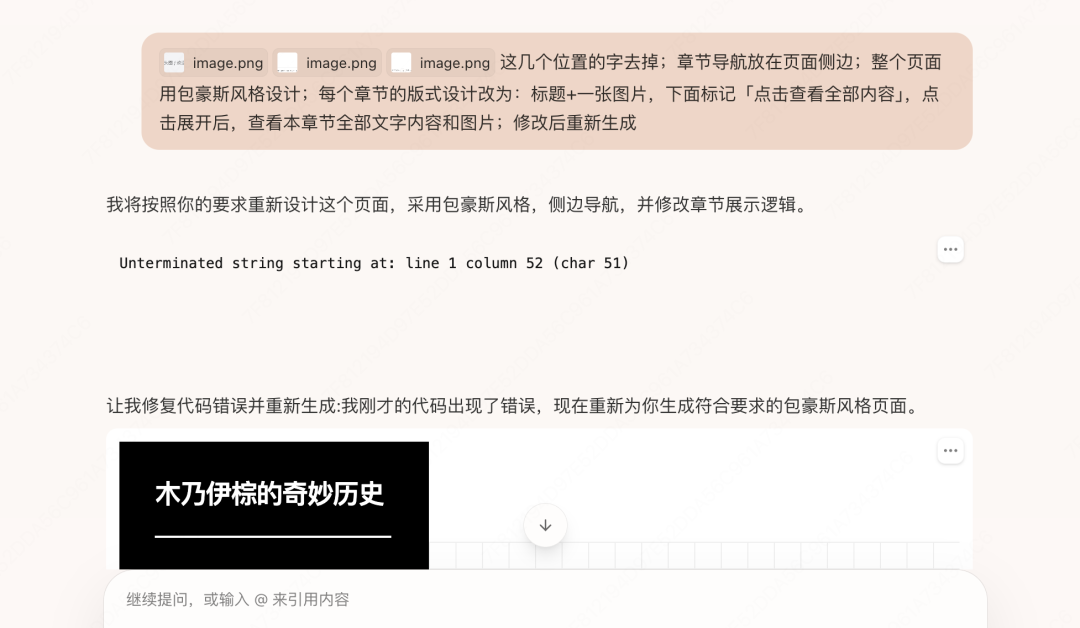
In short, I took screenshots of the parts that needed changes, pasted them into the Chat box, told it how to revise them, what overall design direction I wanted, how I wanted the page interactions adjusted, and so on.
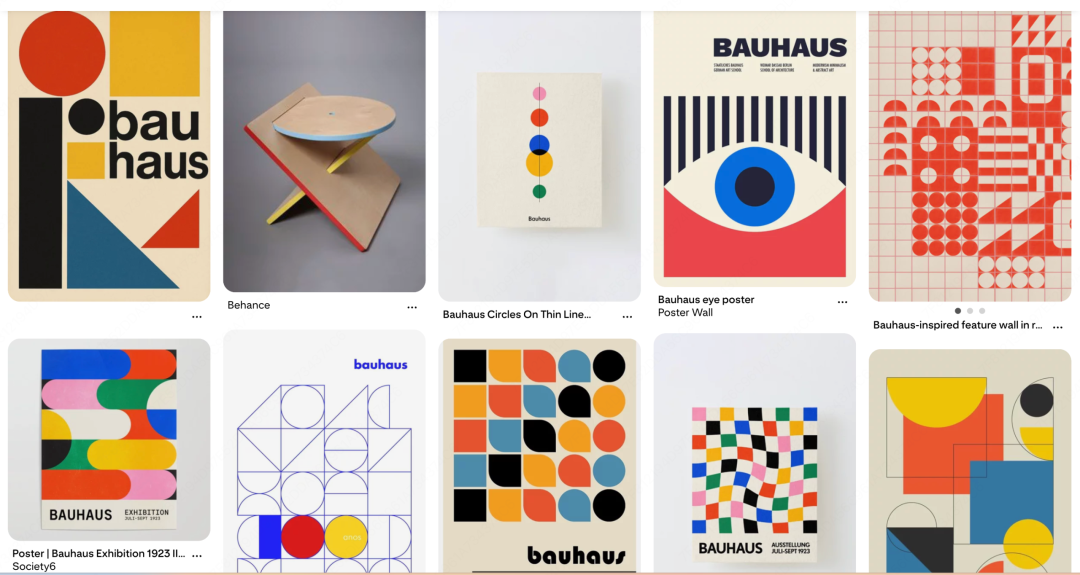
This was where AI's limitations became obvious. The Bauhaus style I had in mind looked like this:
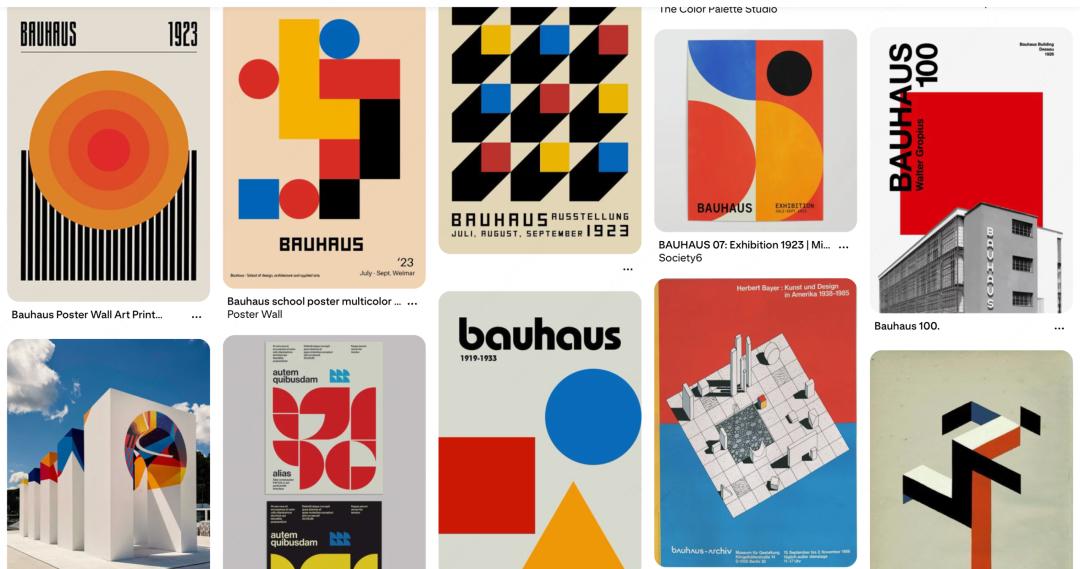
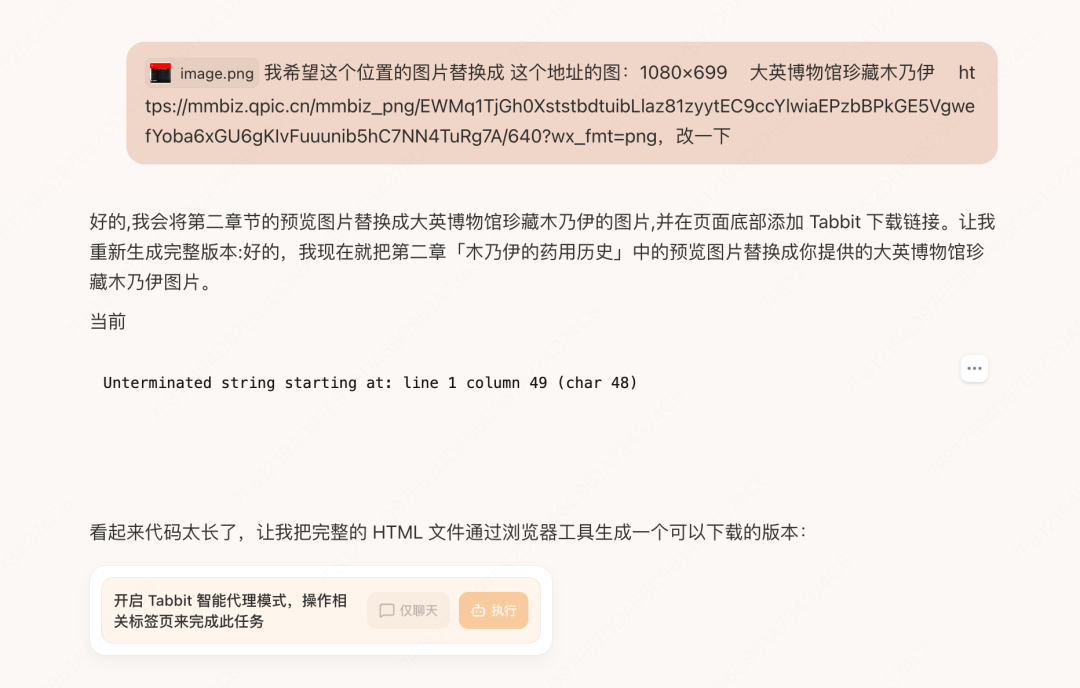
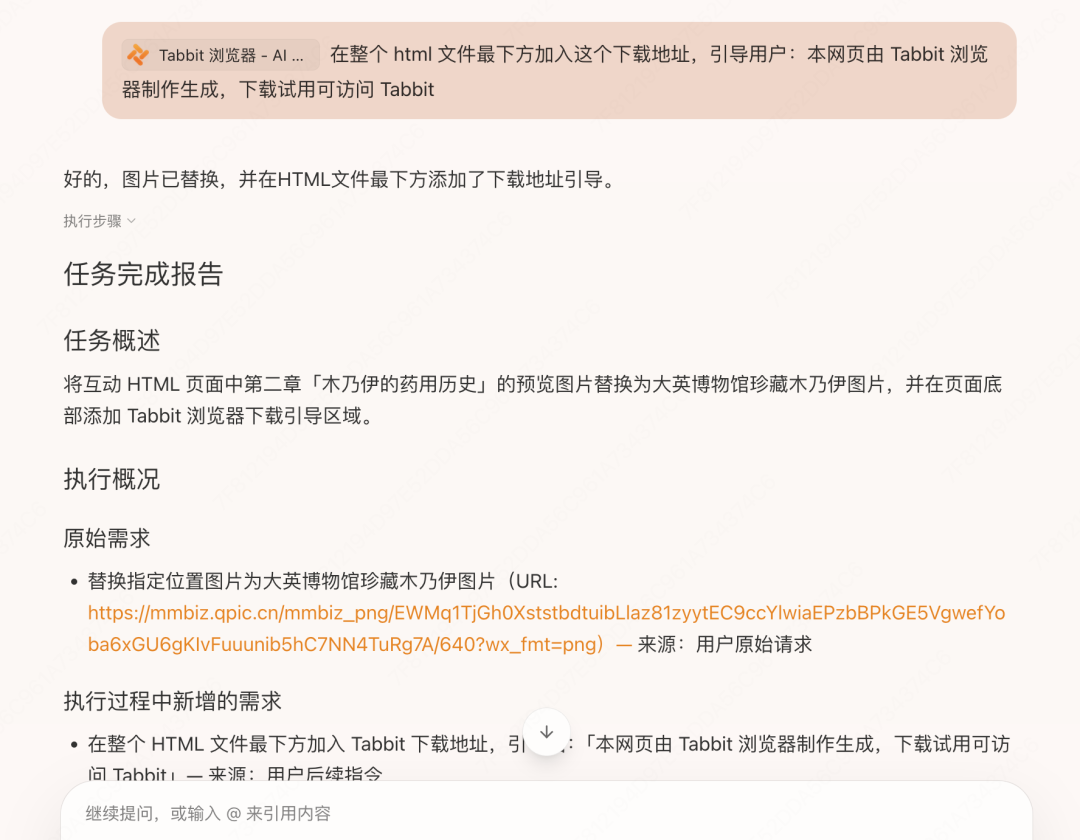
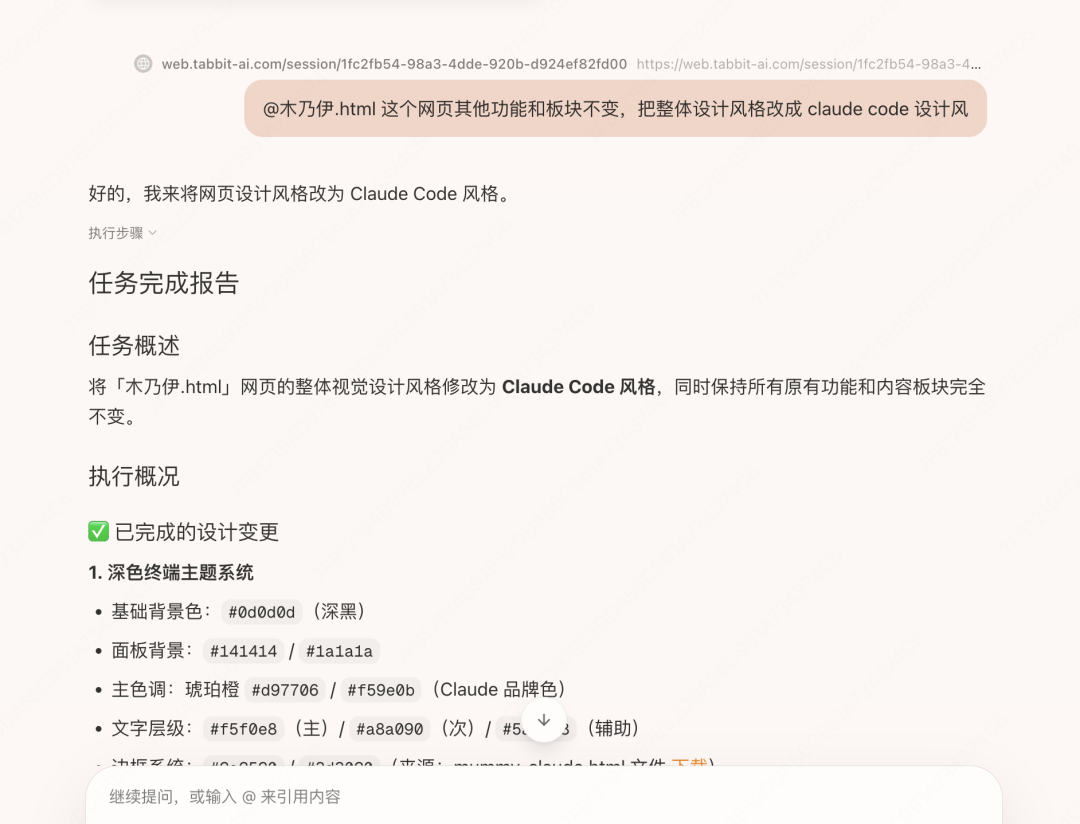
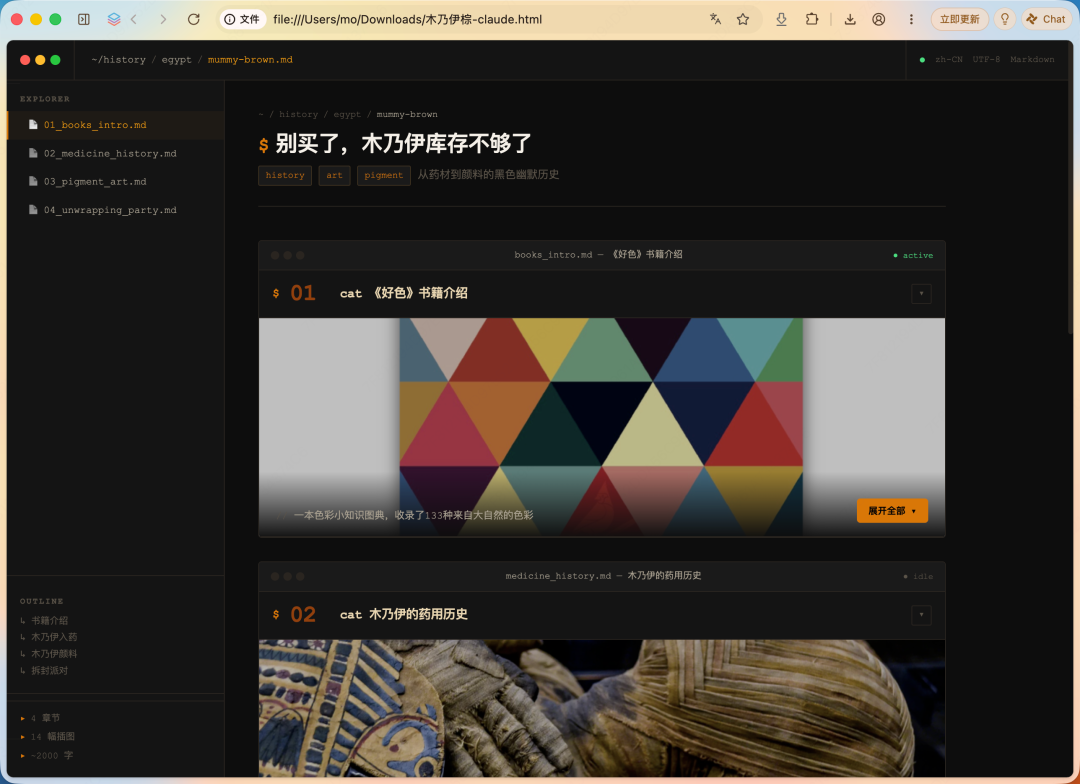

The page it generated looked like this. Please enjoy the sequel, The Mummy Returns: some parts still did not satisfy me, such as the second section where the image became impossible to read after scaling. So: Q7. I took a screenshot of the image position I wanted to replace, told it where it was, and pasted the replacement image URL into the conversation. It also reminded me that the code was long and that Agent mode would be better. Fine, whatever you say. Execute. While it was running, I suddenly remembered that the end of the earlier article was empty and looked a little bare, so I added another request. It executed both requests together and finally generated the third blockbuster, The Mummy and Tabbit. Please look at the big screen: Q8. It was not impossible, but how should I put it? A bit rough within its neatness, and a bit unfashionable inside the attempted coolness. So I tried to describe the design style I wanted in language AI could understand. Then I got the fourth version, New · Mummy. Q9. The final step was publishing it as a shareable page. The link is here; copy it and open it to view: https://go-test.tabbit.site/projects/c79176d7-179a-42bf-948b-379ccc4331bd/index.html. To be honest, an HTML page generated directly through chat has a certain randomness: it randomly removed some sentences from the original article, could not adjust the layout based on image sizes, and did not position the navigation bar very precisely. Many details still need improvement, but it has basically realized the HTML page I first imagined. Experiencing the entire birth process also fully achieved the goal that made me try it in the first place: to stop being afraid of starting, and to take the first step toward building a site. It cleared away many complex, tiring, discouraging barriers and convinced me that even without knowing programming right now, getting started is still possible. I think that is a more important gain than making a perfect page. That is all for this issue. If you have not tried Tabbit yet, visit www.tabbit.ai or click Read the Original to enter the official site and download it for free.