
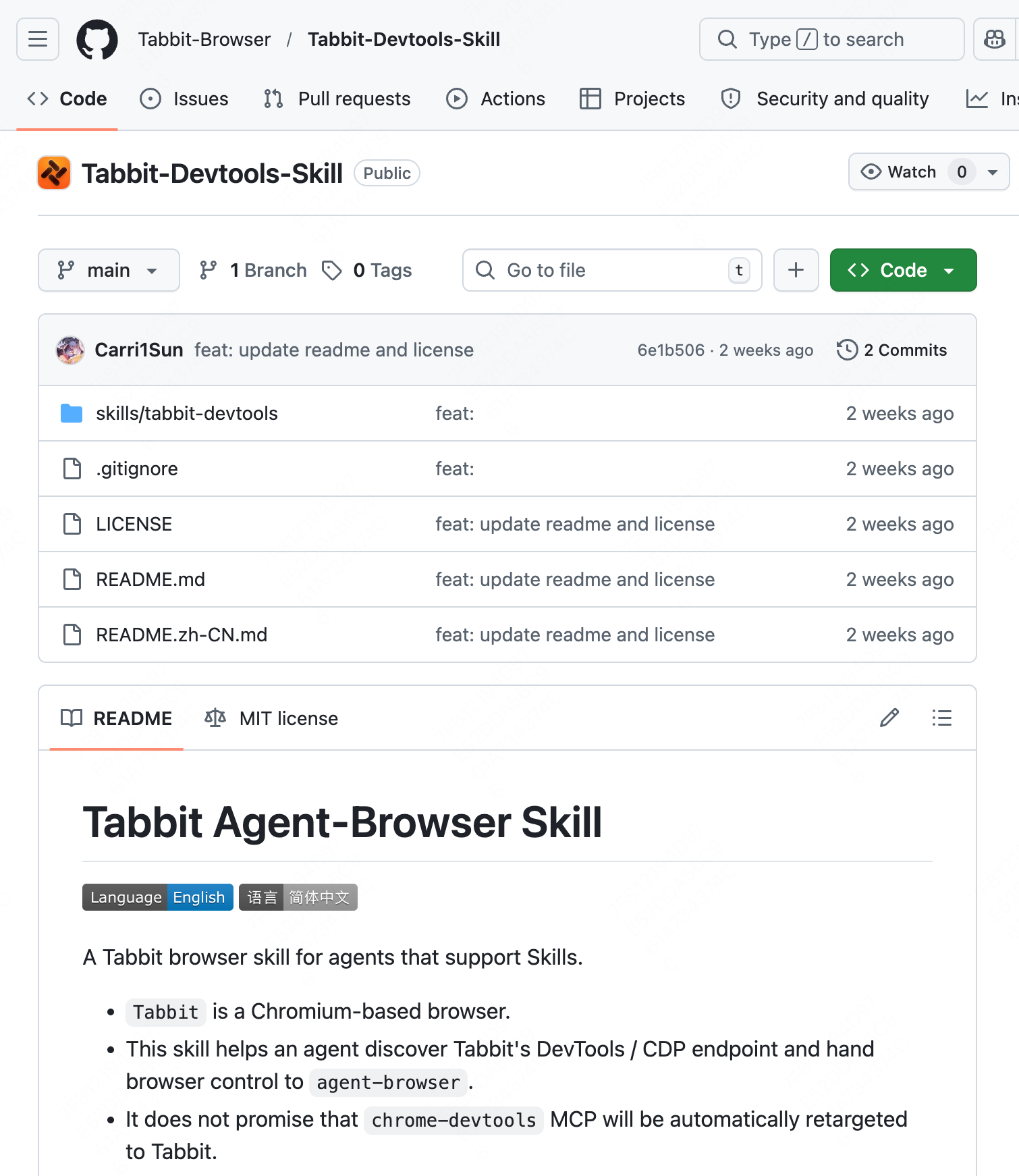
Tabbit Browser recently developed and open-sourced a Skill that makes it easy for different agents to operate Tabbit: Tabbit-devtools. It currently supports OpenClaw-like agents, Hermes Agent, Codex, Claude Code, and other local agents.
We warmly invite everyone to try it and share feedback.
How to use it:
1. Open tabbit://inspect/<a class="wx_topic_link" topic-id="mnwk9agl-vnnb0e" style="color: #576B95 !important;" data-topic="1" data-recommend="">#remote</a>-debugging in Tabbit Browser and check allow remote debug.
2. In the directory controlled by your agent, run npx skills add Tabbit-Browser/Tabbit-Devtools-Skill to install it.
3. OpenClaw users can install it directly with the official OpenClaw command: openclaw skills install tabbit-devtools.
4. After that, as long as your conversation with the agent includes an intent such as "use Tabbit to operate," the agent will connect to Tabbit and complete tasks inside Tabbit.
Example: create a new tab in my Tabbit, navigate to Baidu, search images for McDonald's, and download the first three images found. The first time the app connects after launch, you need to click the connection authorization in Tabbit Browser.
Open-source repository: https://github.com/Tabbit-Browser/Tabbit-Devtools-Skill
If you have not tried Tabbit yet, visit www.tabbit.ai to download and use it for free.