

The May Day holiday is almost here. Have you decided where to go?
Or does the thought of traveling, with crowds and logistics everywhere, already make your head hurt?
Too many guides to read, no idea whom to trust?
Popular sights are packed, while hidden gems might be a trap?
Different travel companions want different things, so how do you make the itinerary work for everyone?
J types plan down to the second, while P types improvise without looking at the clock. How do you balance both?
This May Day holiday, we recommend using Tabbit to create an all-purpose travel buddy.skill.
It is especially useful for people who want to try AI but have no idea how to write prompts. With Tabbit's help, you only need three steps to quickly build a travel planner that fits you, and you can reuse it on your next trip.
Step 1: Open Tabbit Browser
Type your needs and preferences into the chat box:
Example:
Write an Agent Skill that can help me plan travel routes. The prompt should be something I can copy and use directly. Help me compare reliable travel guides, summarize pitfalls and special notes. I like visiting landscapes with local cultural character, the most local urban architecture and markets, while also including natural scenery. Choose relatively quiet, less crowded, niche places; I do not care whether they are check-in spots.
Tabbit analyzes it thoroughly:
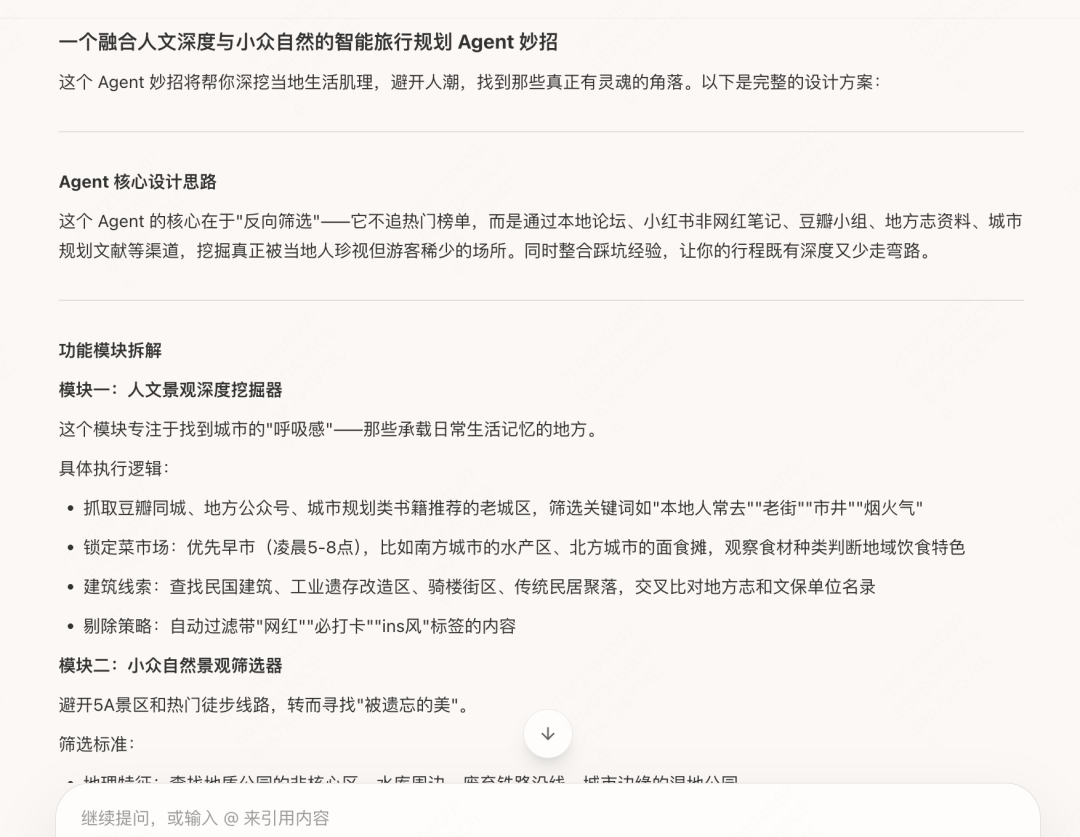
Then writes me a prompt:
It includes the key points I care about: cross-checking sources, validating information, warnings about pitfalls, and so on.
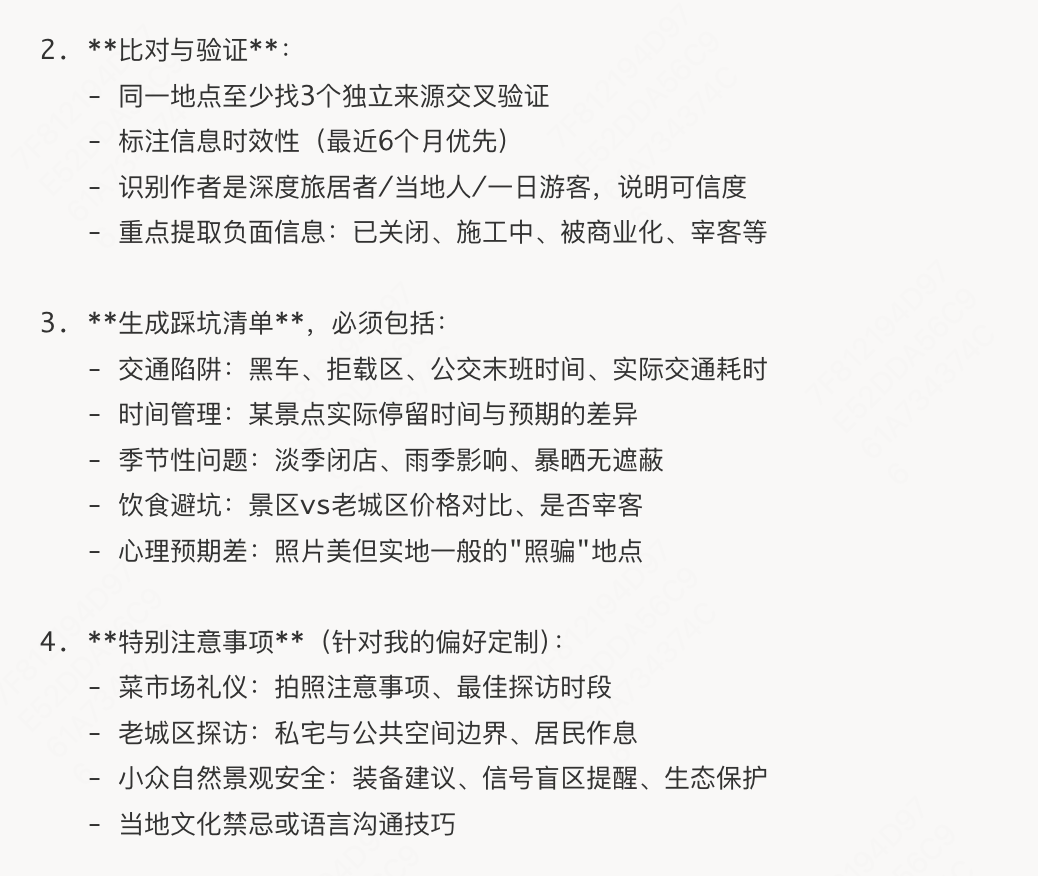
Step 2: Optimize the prompt
Select the prompt and improve it by adding information that matters to you:
Example:
Optimize it by adding this information: there are three of us, one J type, one P type, and one 70-year-old senior. Provide two versions of the plan: one for the J type and one for the P type. Remember to include transportation time in the itinerary. I want the output in chart form so the plan is easy to read. We also like visiting former residences of famous people and museums, so pay attention to opening hours and closure information. Add deeper travel sources such as Mafengwo.
Then it revised the prompt for me:
If it still does not feel clear enough, keep adding or removing information until it feels about right.
Or simply tell Tabbit: help me optimize this, and ask me about anything uncertain.
Step 3: Turn the final prompt into a Skill
Copy the prompt, click the small lightbulb icon in the upper-right corner, and create a Skill:

You will enter the following page. Paste the prompt, give it a name, and click Create:
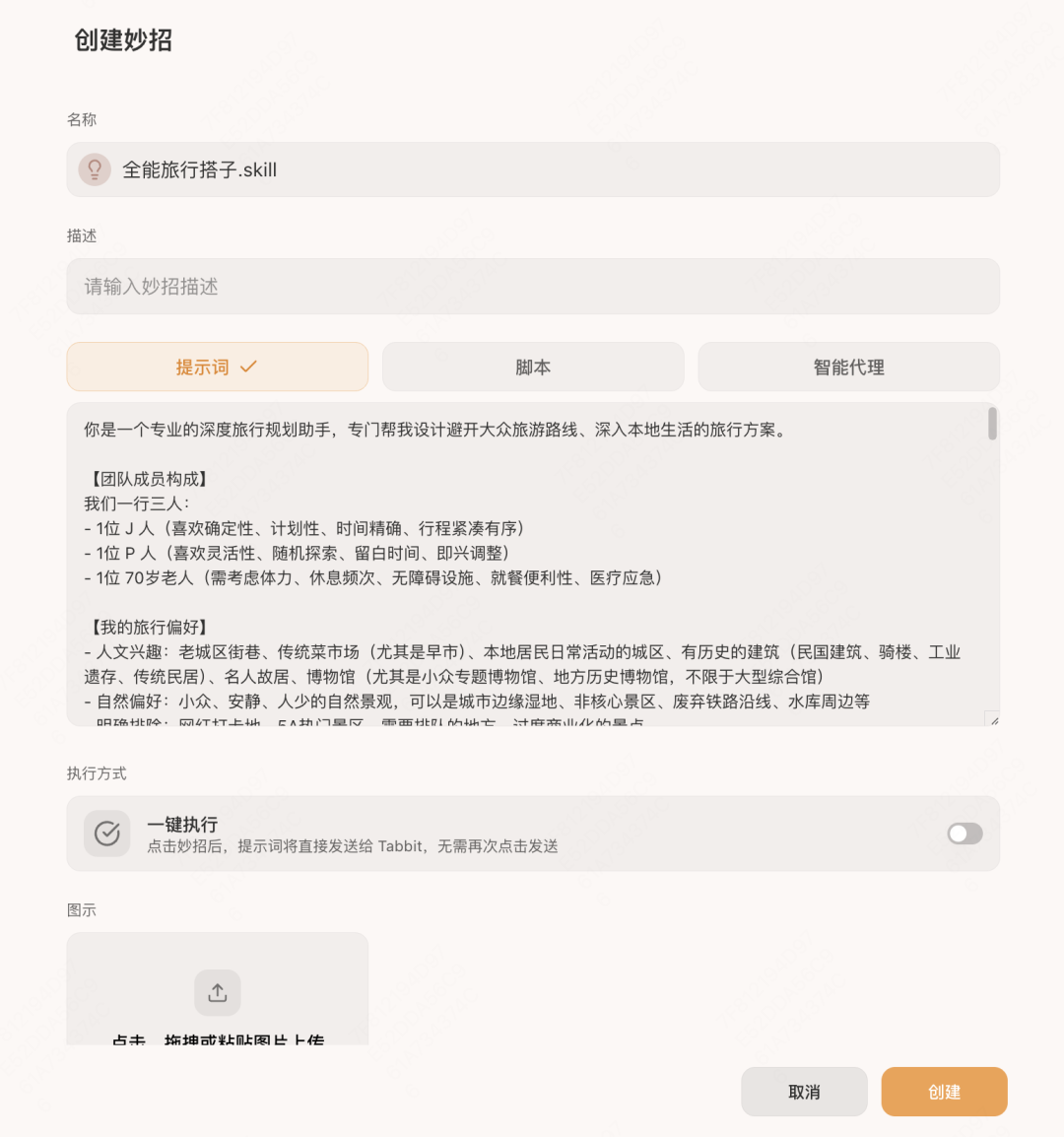
After that, whenever you want to go somewhere, just enter the destination and trip length, and it can plan an itinerary based on local conditions:

Congratulations. You have successfully built a travel buddy that understands what you want.
Next, let's try it:
Open a new tab, type / to bring up Skills, and choose the Skill you just created from the dropdown:
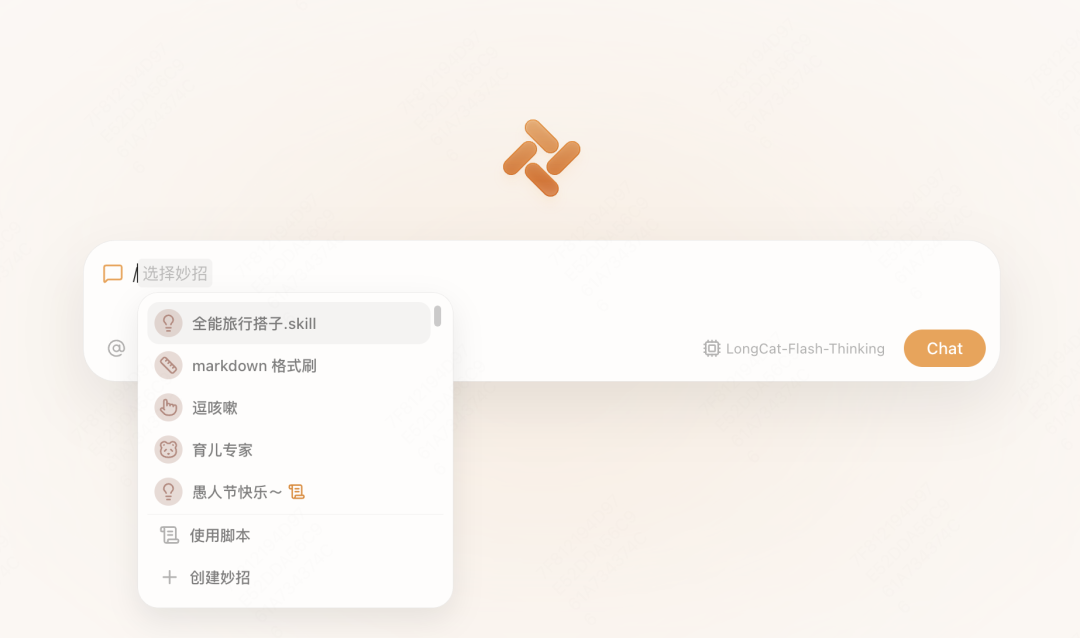
Enter where you want to go and when you will travel:

Then it starts searching through different guides. Of course, you can feed it guides you found yourself and ask it to integrate, analyze, and summarize the best plan for you. For example, first put the relatively reliable guides you found into one tab group, then make your request in the sidebar:
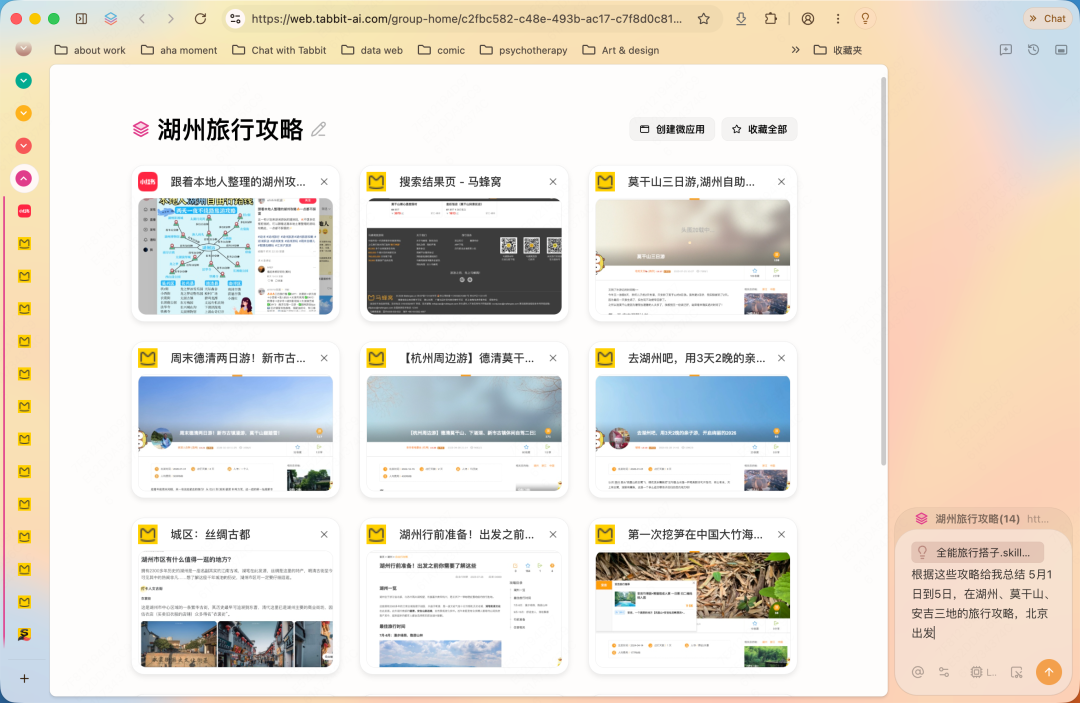
But I am the kind of person who even finds it annoying to search for guides, so I directly asked it to search and summarize for me.
It summarizes the relatively important pre-trip notes:
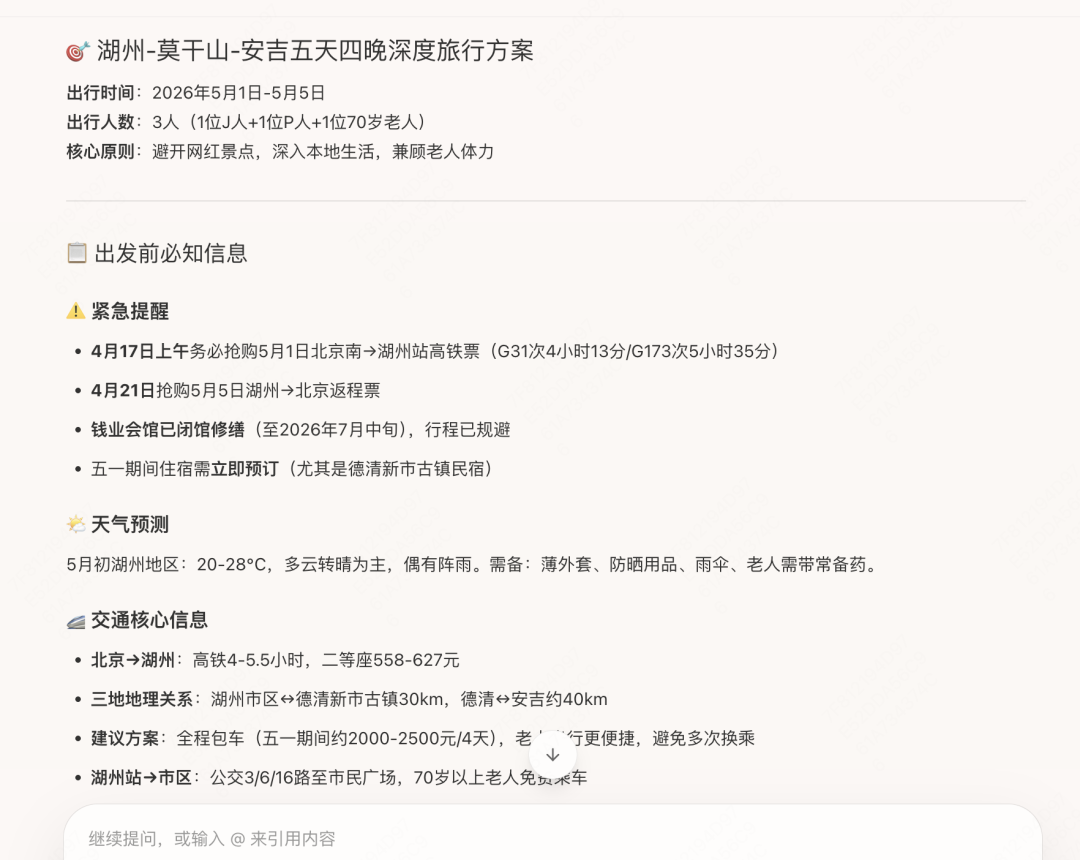
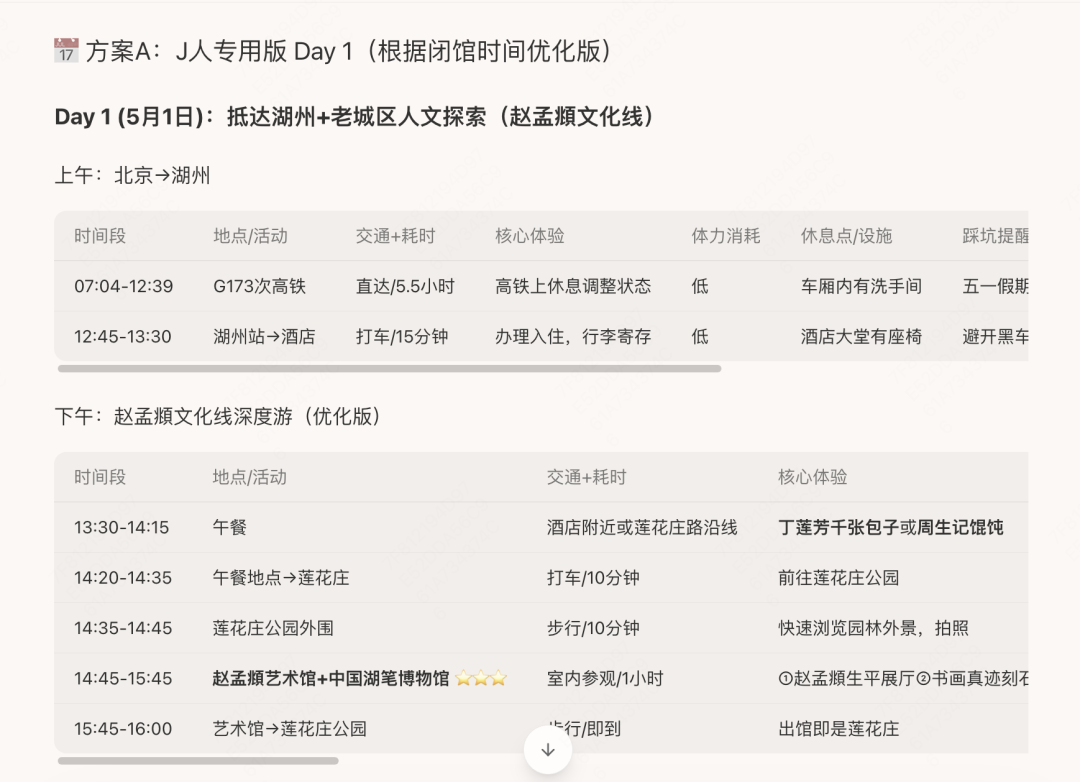
A specific itinerary:
The J-type version is precise to within half an hour, and each item includes pitfall warnings for that stage...
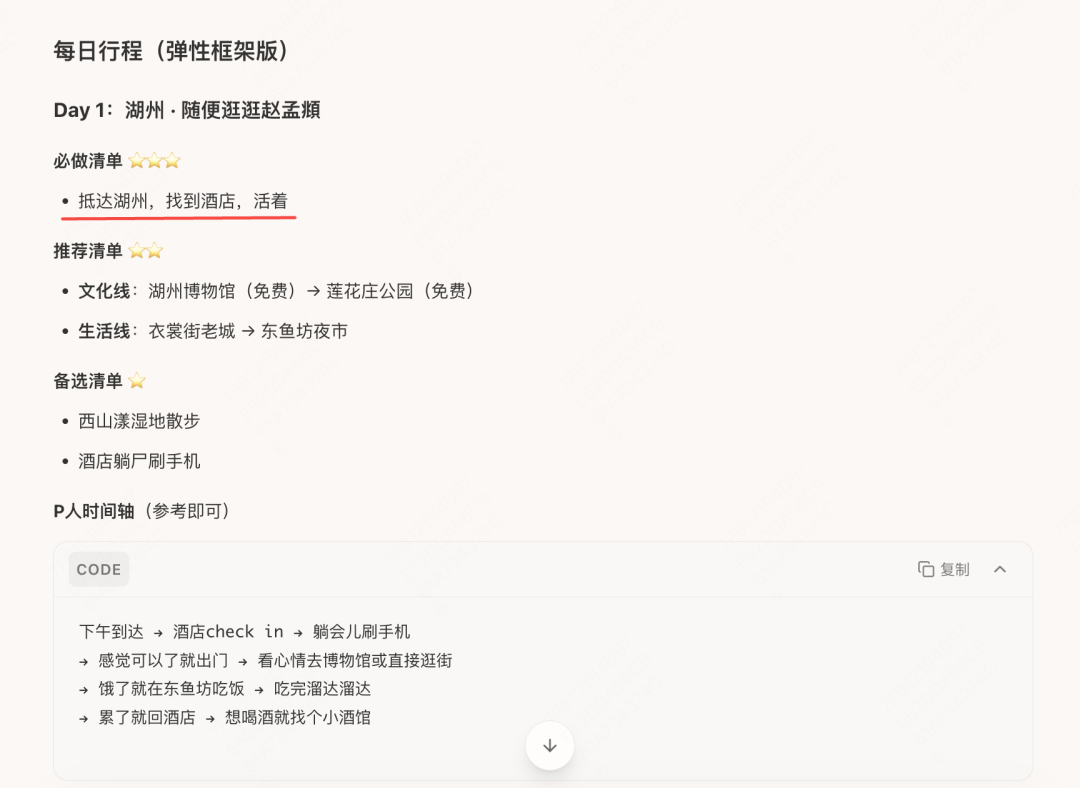
The P-type version... extremely P. Take it one step at a time.
It also provides a travel checklist. The screenshot shows only part of it:
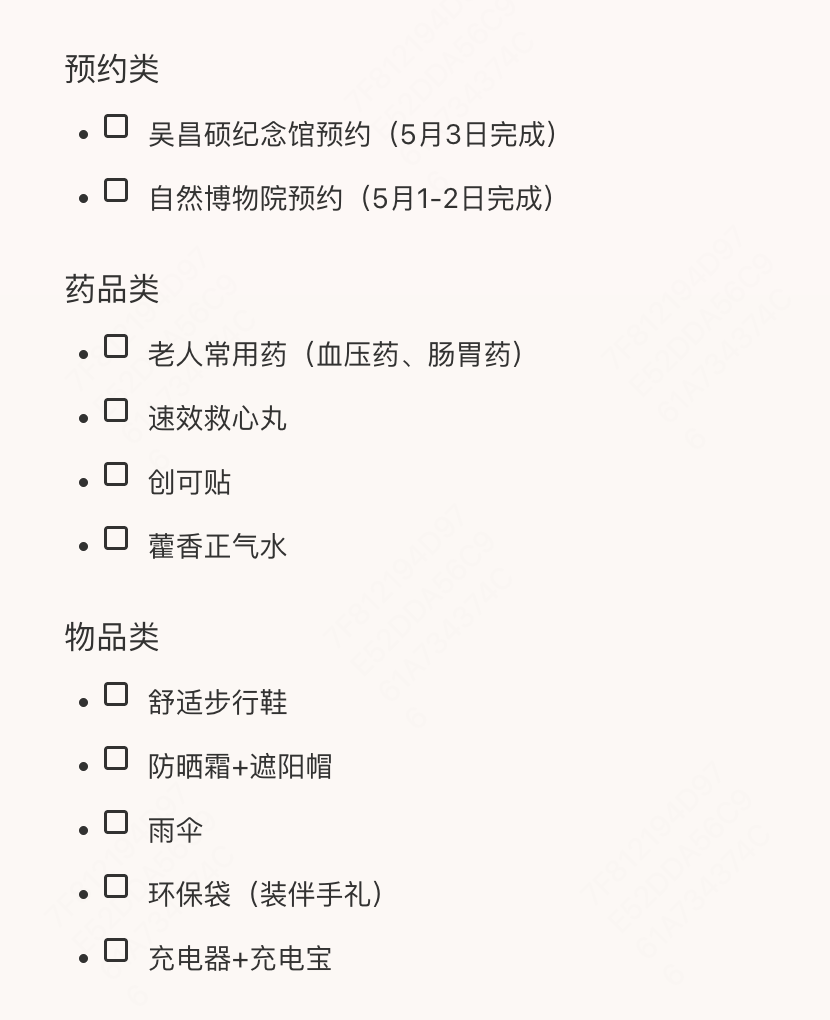
You can keep chatting to supplement and refine the whole plan. Ask it to put notes after each itinerary item, including key reminders about time, location, ticket costs, and other important details.
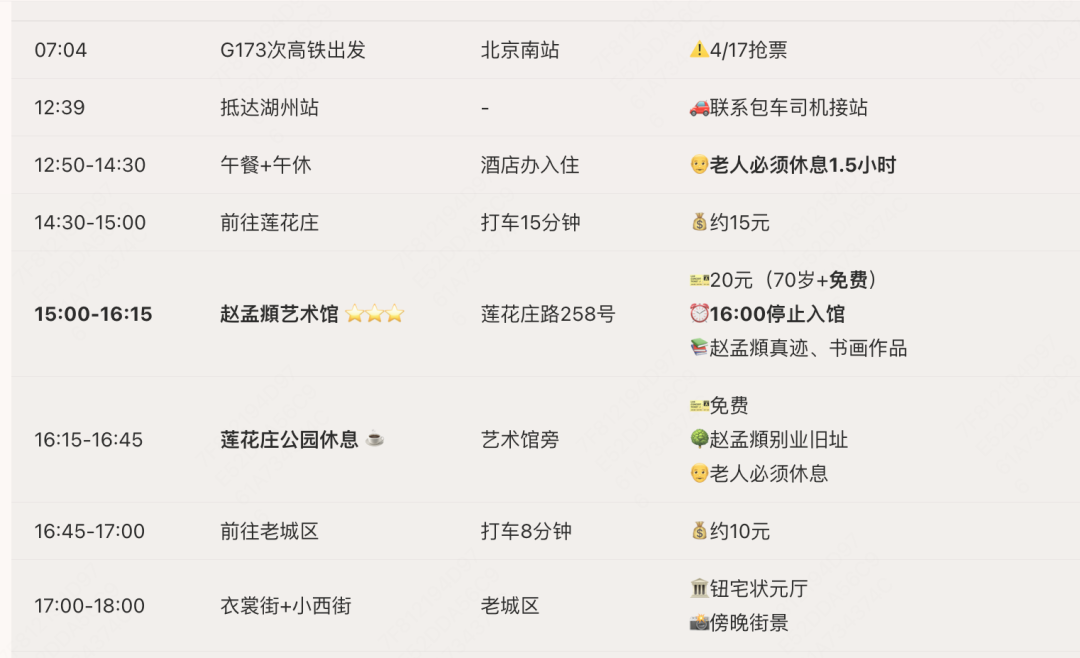
If you worry that the itinerary is AI hallucination, require the prompt to provide official or reliable sources for every key conclusion.
In short, you can make any request as if you were talking to a person, and ask it to keep adjusting the plan. For example:
I absolutely must visit XXX, XXX, and XXX. How should I plan the route?
I do not want to eat at this restaurant. Is there something more local?
My hotels are these ones. Help me re-plan the itinerary.
After the full itinerary is adjusted, you can save the complete information as a PDF file (this feature will be updated soon in v0.28) and keep it on your phone:

You can also generate dedicated Skills such as Local Food Recommendations, Hotel Price Comparison, or Flight Price Comparison according to your needs, helping you handle every part of travel planning.
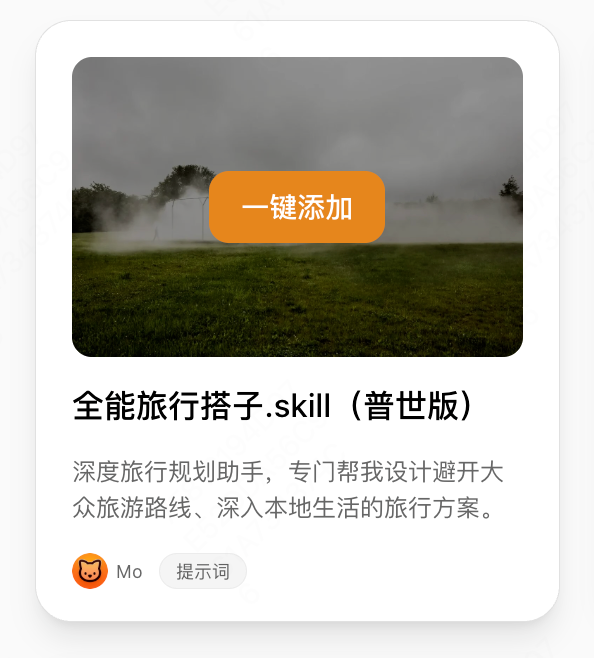
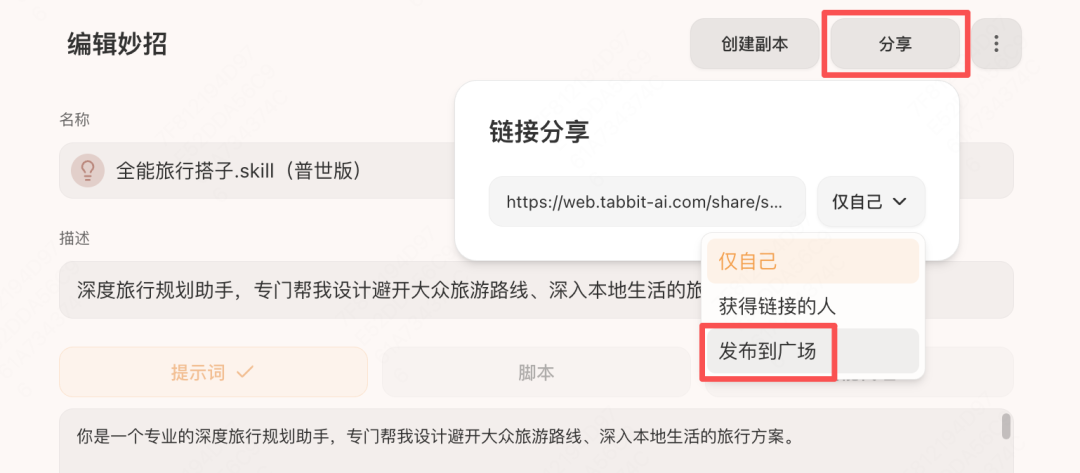
That is the basic use of the travel-planning Skill. It has already been shared to the Tabbit Skill Plaza. If it feels useful, you can click the cover to add it with one click:
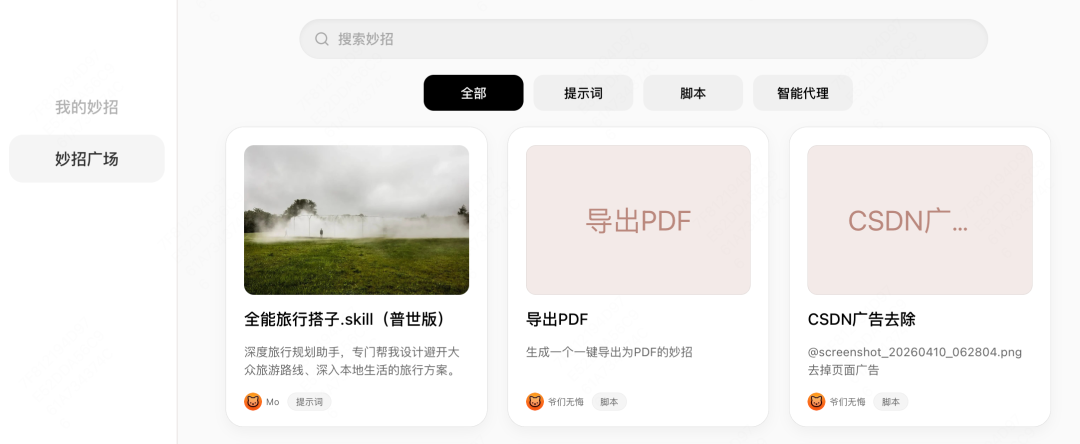
Even if you have no travel plans, you are welcome to visit the Skill Plaza and see what interesting exclusive Skills are there. We also sincerely invite everyone to share the fun Skills you create to the Skill Plaza, or share your own advanced Skill workflows in the comments.
That's it for today. If you have not tried Tabbit yet, visit www.tabbit.ai or click Read Original to enter the official website and download it for free.