
If this is your first time opening an AI browser, you may feel completely lost.
Wasn't this supposed to be a browser? Where are the webpages I can browse? And where is the AI?
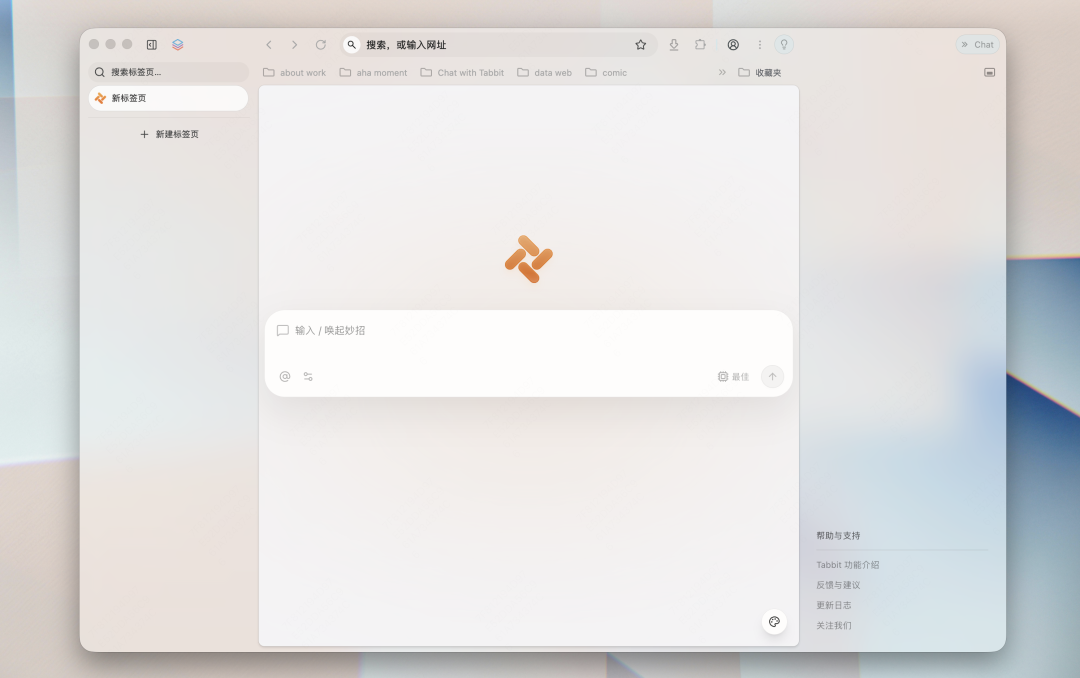
Today we will show you how to get started quickly after opening Tabbit Browser.
01
Want to visit a webpage?
Type the full URL in the chat box or address bar, such as tabbit-ai.com, and press Enter.
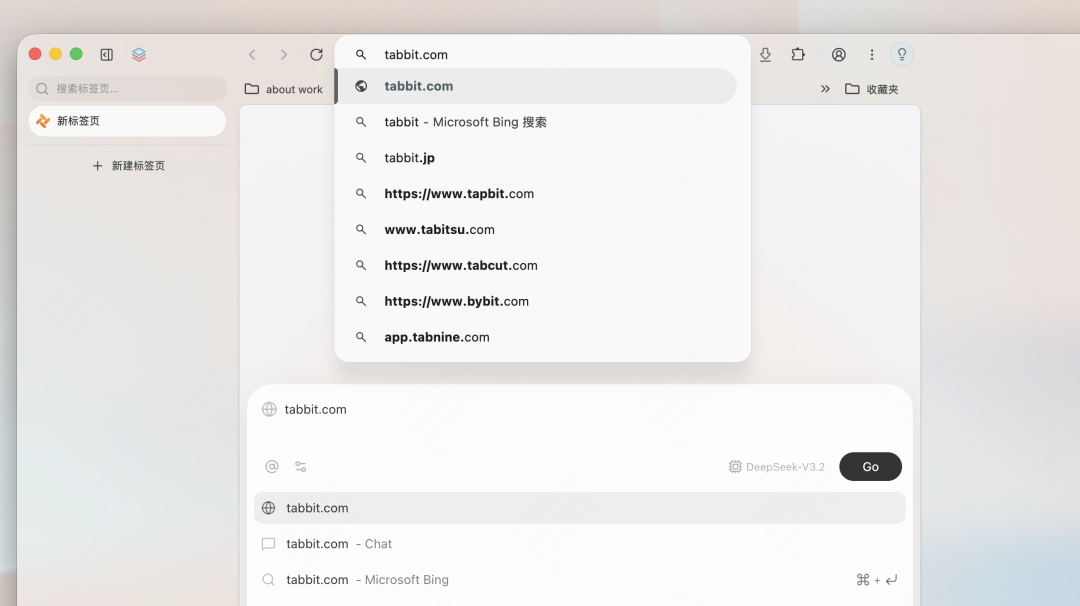
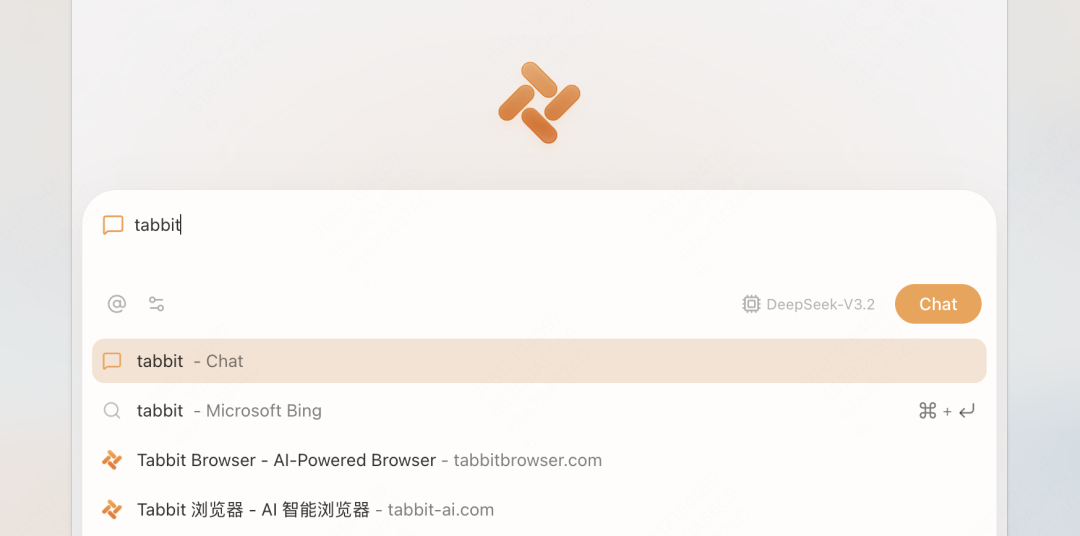
Or type a website keyword in the chat box, such as tabbit. The dropdown will show suggestions, and you can choose to search on Bing to find the official site.
02
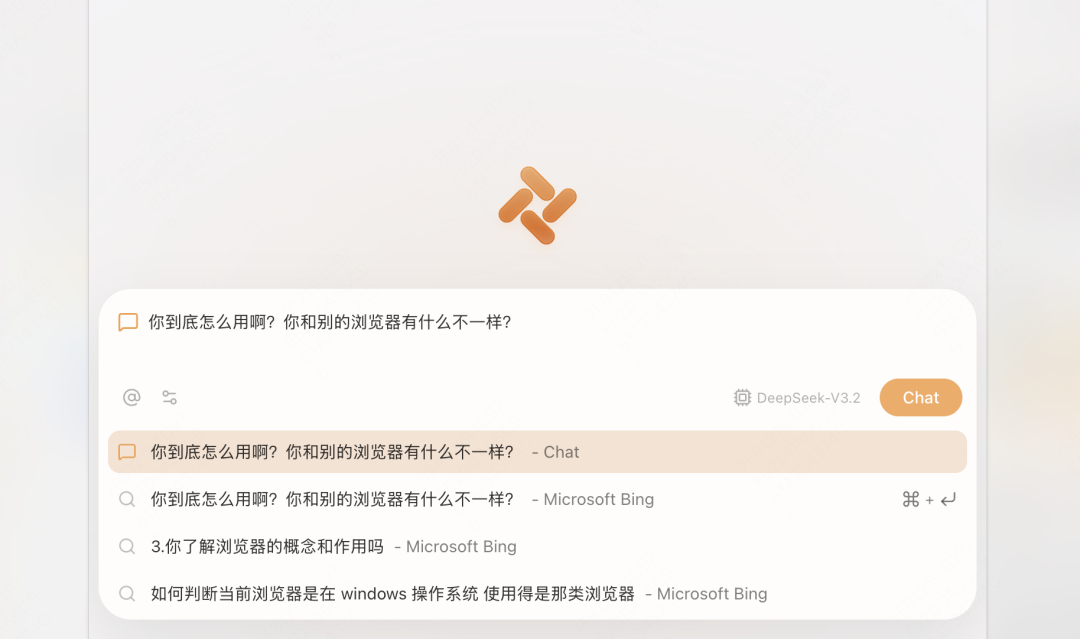
Want to try AI chat?
Click New Tab, ask whatever you want, then press Enter or click the chat button:
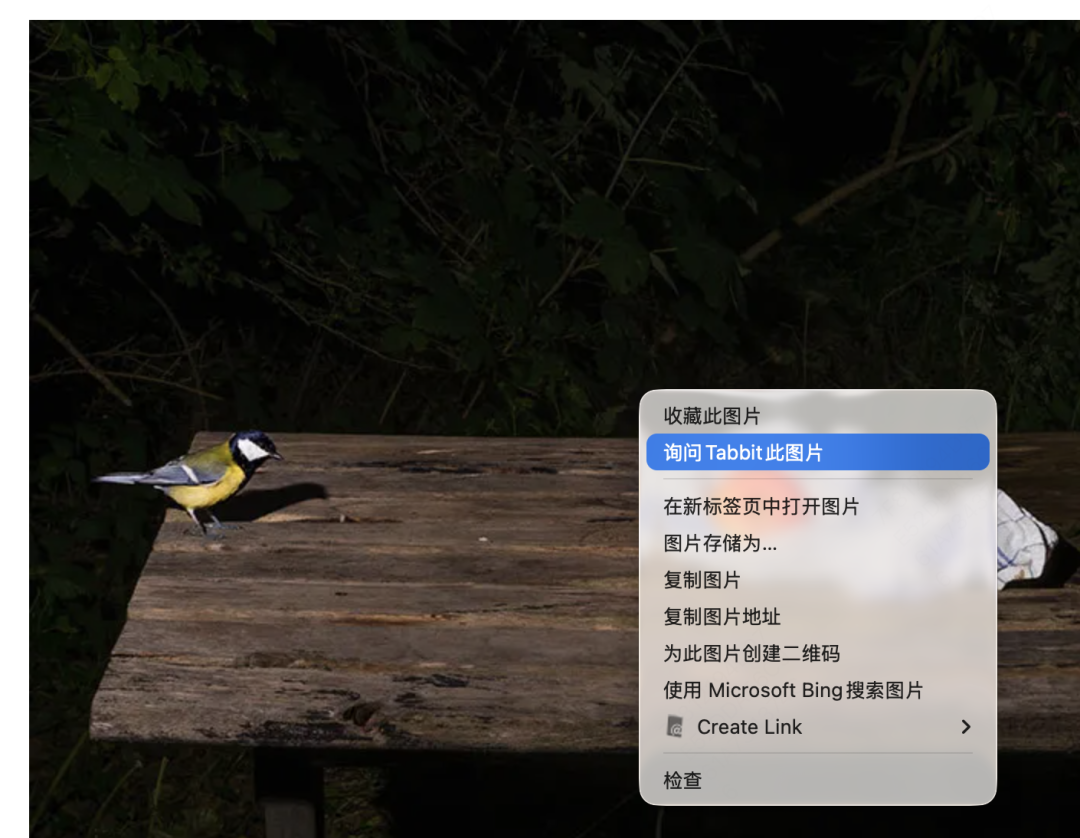
When browsing a page, if you have a thought, select text with your mouse, right-click Ask Tabbit About Selected Text/Image, and a chat box will pop up on the right. If you do not want to read obscure academic writing, ask it to explain in plain language.
Or ask, "What bird is this?"
If the Chat box is already open, selecting with the mouse will automatically quote the content, so you can ask directly.
Or use the small screenshot tool in the lower-right chat box, then ask a question:

For a math problem like the one below, you do not even need to type the question. After taking a screenshot, it answers automatically:
At this point, you may wonder: some AI model plugins can also do this, so what is special about Tabbit?
Let's look at how Tabbit's answer differs when you ask a question about selected text on a page:
The query asks it to explain a difficult philosophical idea more simply.
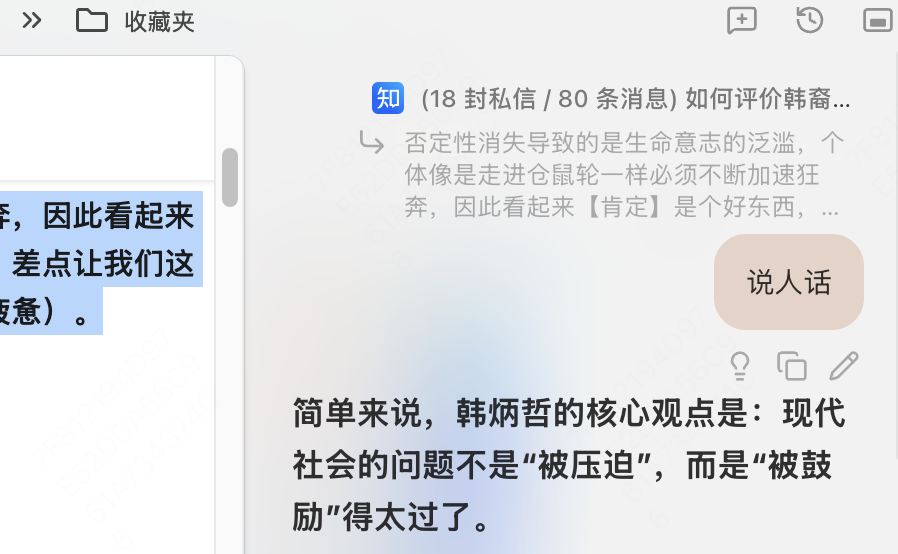
At the end of Tabbit's answer, besides using simple language and analogies to help me understand dry philosophy, it also summarizes what other people in the comments thought about the idea.
Tabbit's response is not a generic encyclopedia-style answer based only on that sentence. It reads the entire post and comments on the page, considers why you might care about this content, and then gives a reflection and summary.

You no longer need to copy and paste text and images, then explain a pile of background before it understands what you are asking. It is not sitting idly by; it is reading with you, including the surrounding context, so naturally its responses are more precise.
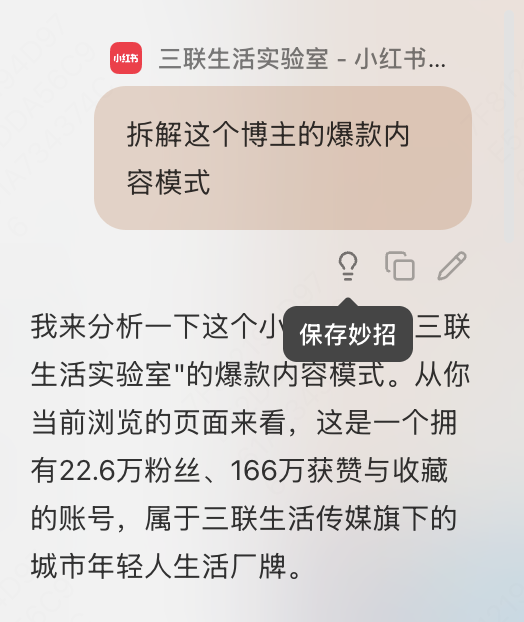
You may have just opened a page and not started reading, but Tabbit has already read all of it. So when you encounter a page that interests you, click chat in the upper-right corner or use cmd/win + ] to bring up the AI chat box at any time, then ask about the whole page. For example, ask it to break down the logic behind this creator's viral content:
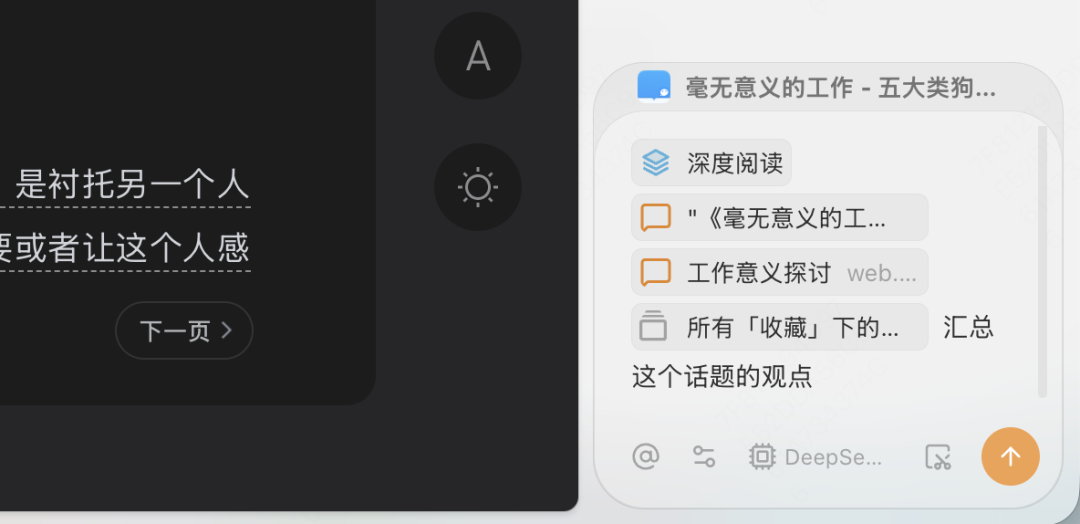
When you want to study a deeper topic, click the @ symbol in the chat box to reference different materials:
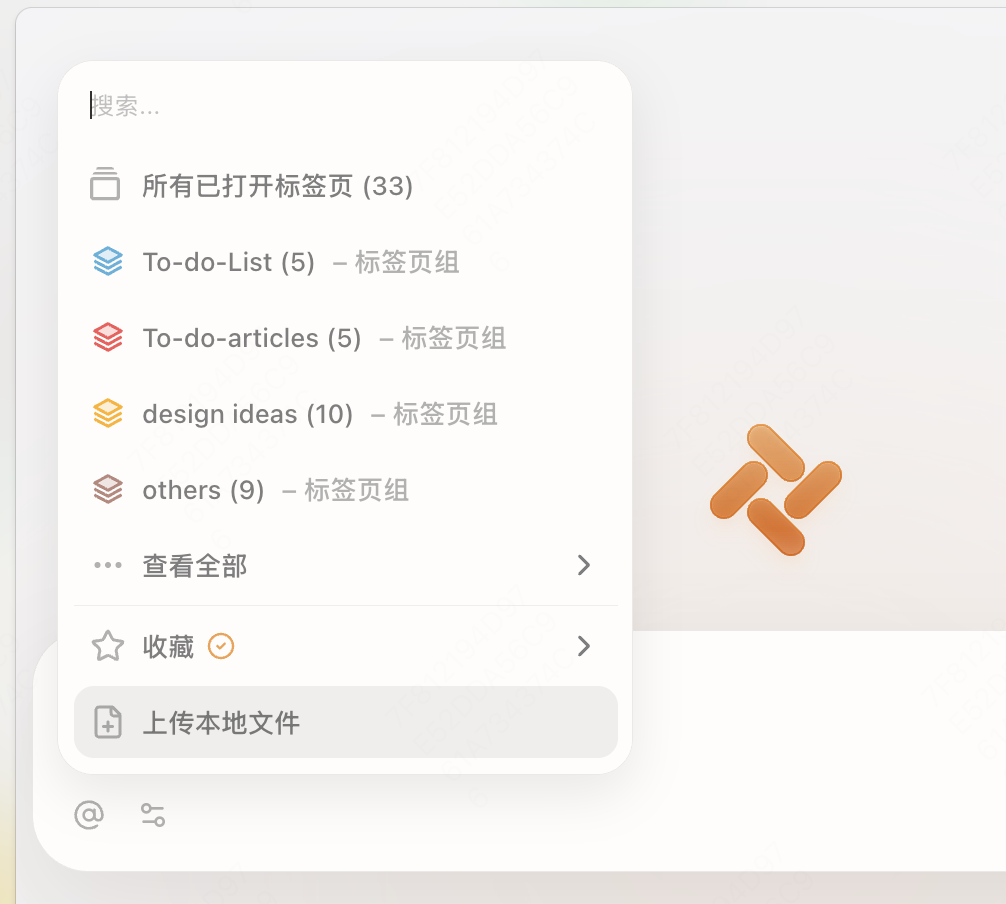
All open tabs, one or multiple tab groups, locally uploaded documents, and even high-quality content you bookmarked in the past can be brought together. Tabbit integrates this information and gives a comprehensive analysis.
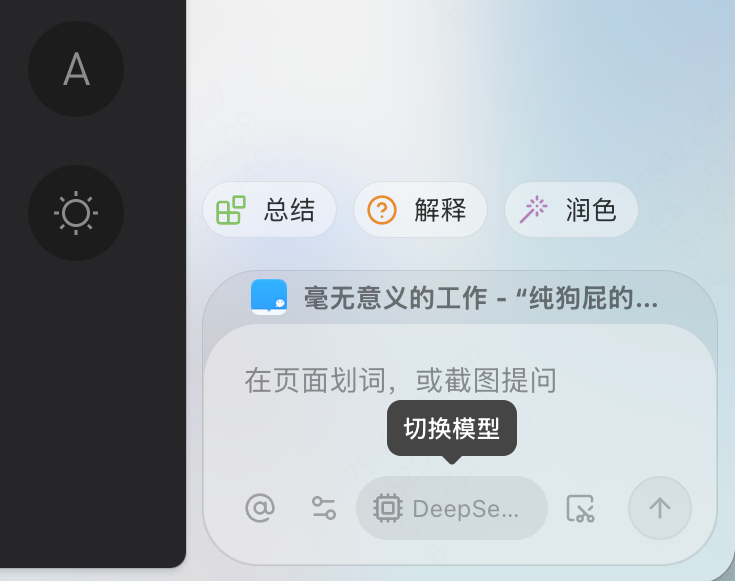
Also, if you feel one model's answer is not good enough, click Switch Model and try another. Tabbit integrates all the top large models on the market, so you can choose freely based on your preferences and the nature of the task.
03
Want to save the instructions you use often?
After chatting with AI for a while, you may find that you have asked some questions twice, such as "break down the logic behind this creator's viral content." Move your mouse over the question and click the Save Skill icon:
Save it as a Skill, and fill in your description of this function here. If you do not know how to write it, ask Tabbit beside you to write it for you:
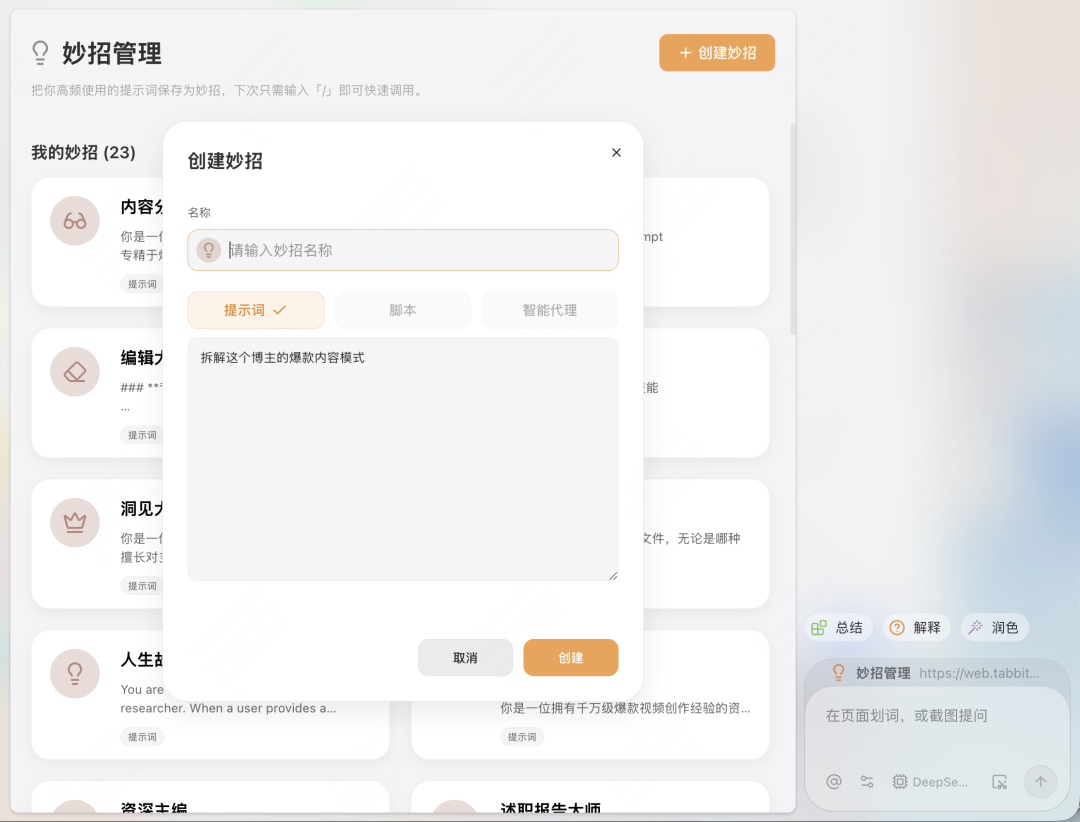
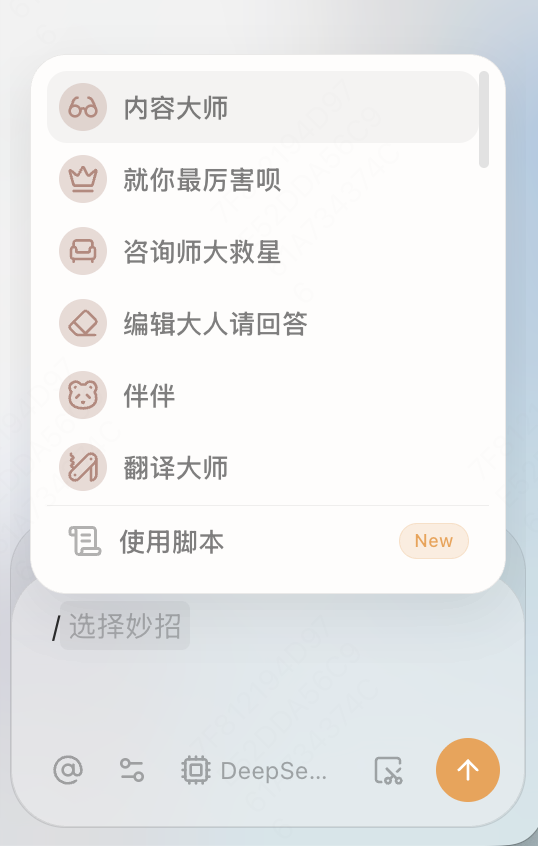
After saving it, when you open another creator's page, you can type / in the chat box, choose the Skill you just created, Content Master, press Enter, and Tabbit will give you the answer.
But Skills can do more than that.
They can save not only a single question, but an entire workflow, or SOP. For example:
Spring recruitment season is coming. You have a list of resumes to send, and for different companies and positions, you want each resume to have a tailored focus and stand out.
At this point, you can create a Senior Resume Coach Skill. Set up the process: reference your resume file, input the target company's job requirements, and let Tabbit combine the company's hiring criteria, culture, and industry characteristics to give targeted revision suggestions for your resume. It can even predict questions HR might ask and give you all-around interview coaching.
One Skill handles resume preparation for the whole job-hunting season, turning repetitive work into one-click magic.
04
Too many tabs open and want to organize them?
Click Tab Management - Smart Tab Management in the upper-left corner:
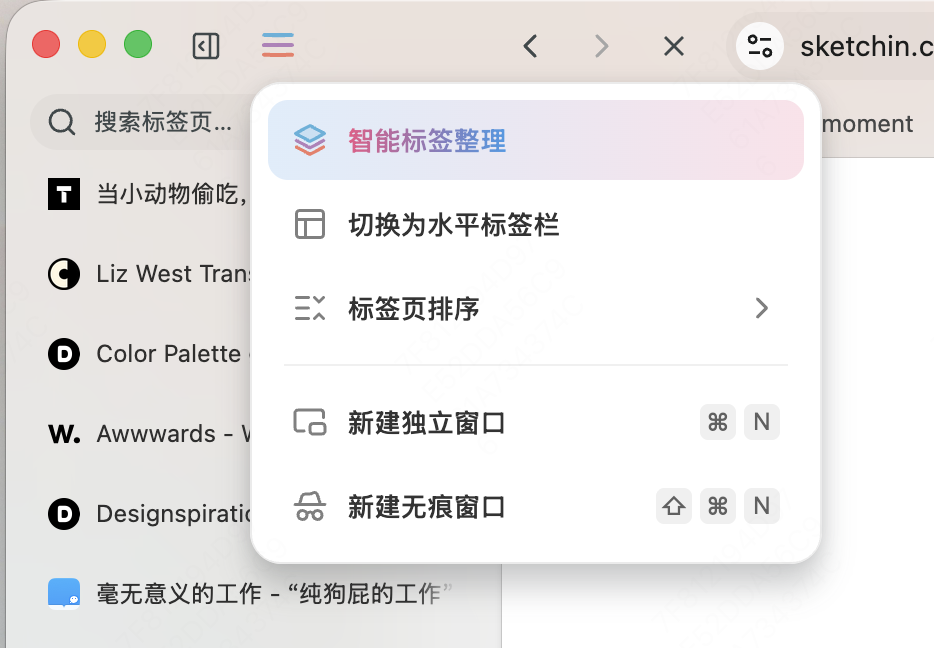
It automatically groups and names pages based on their content topics. Sometimes the details may not fully match your taste; just fine-tune them by renaming tab groups or dragging pages to adjust their position.
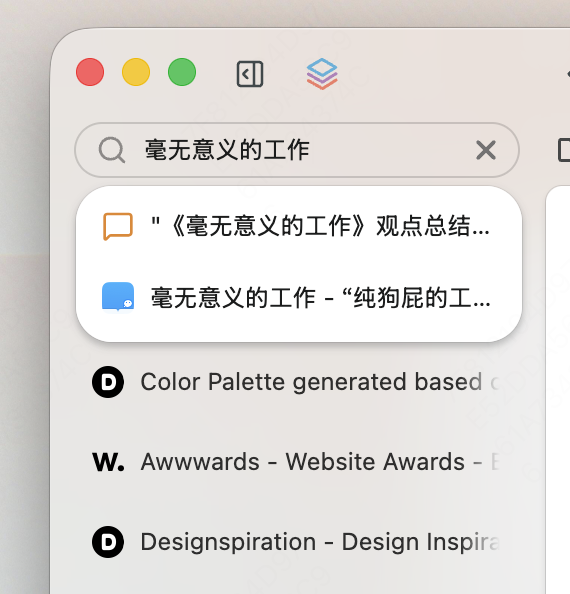
Cannot find an open tab? Search keywords in Search Tabs, and the webpage will jump right in front of you. Just click it.
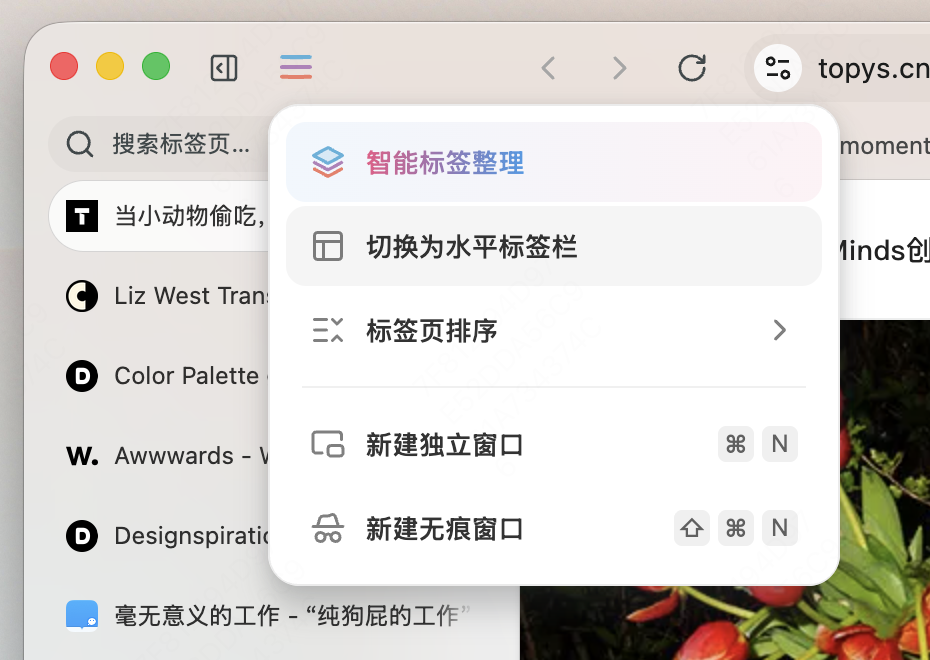
Do not like vertical tabs and want to switch? Click Switch to Horizontal Tab Bar:
05
Forgot the name of a page you bookmarked before and cannot find it?
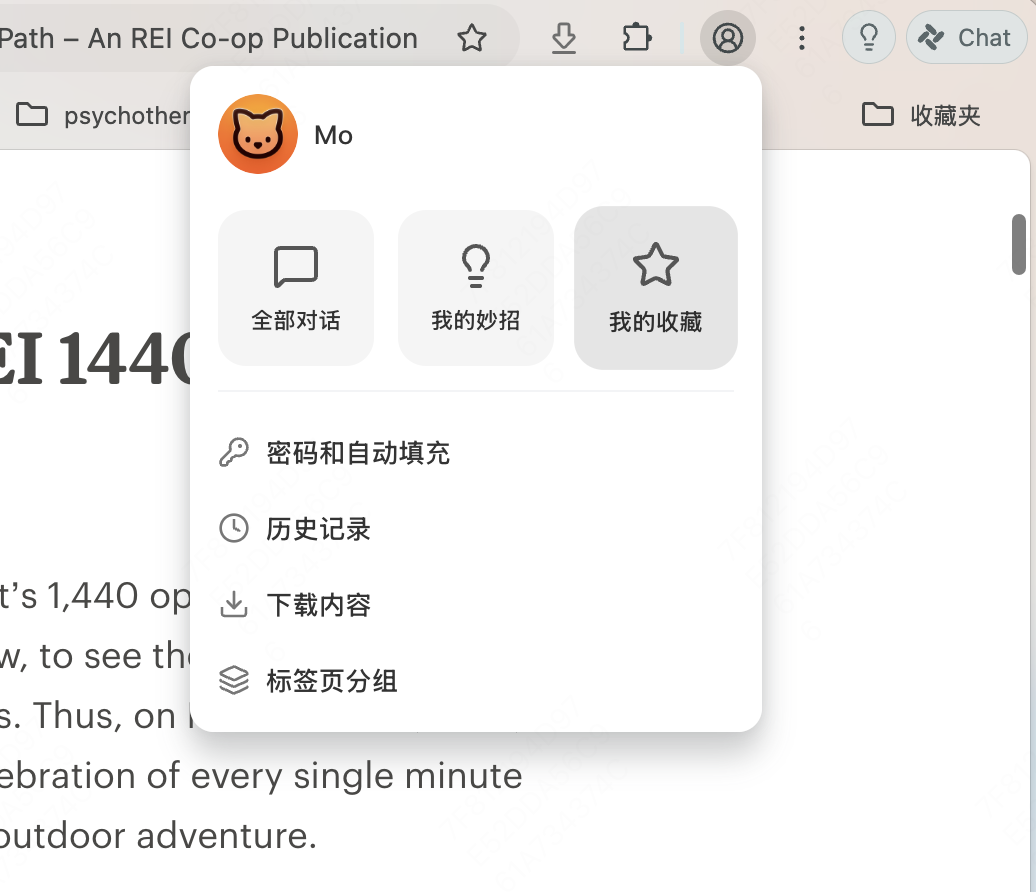
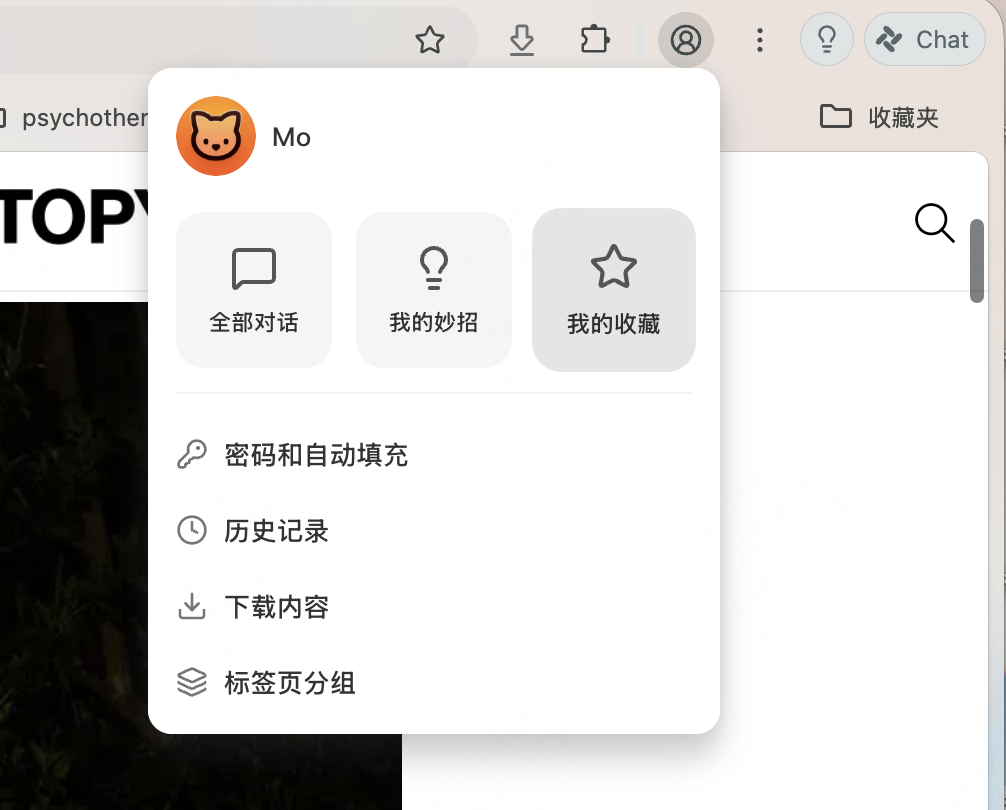
Click your user avatar, go to My Bookmarks, and search any keyword you can remember:
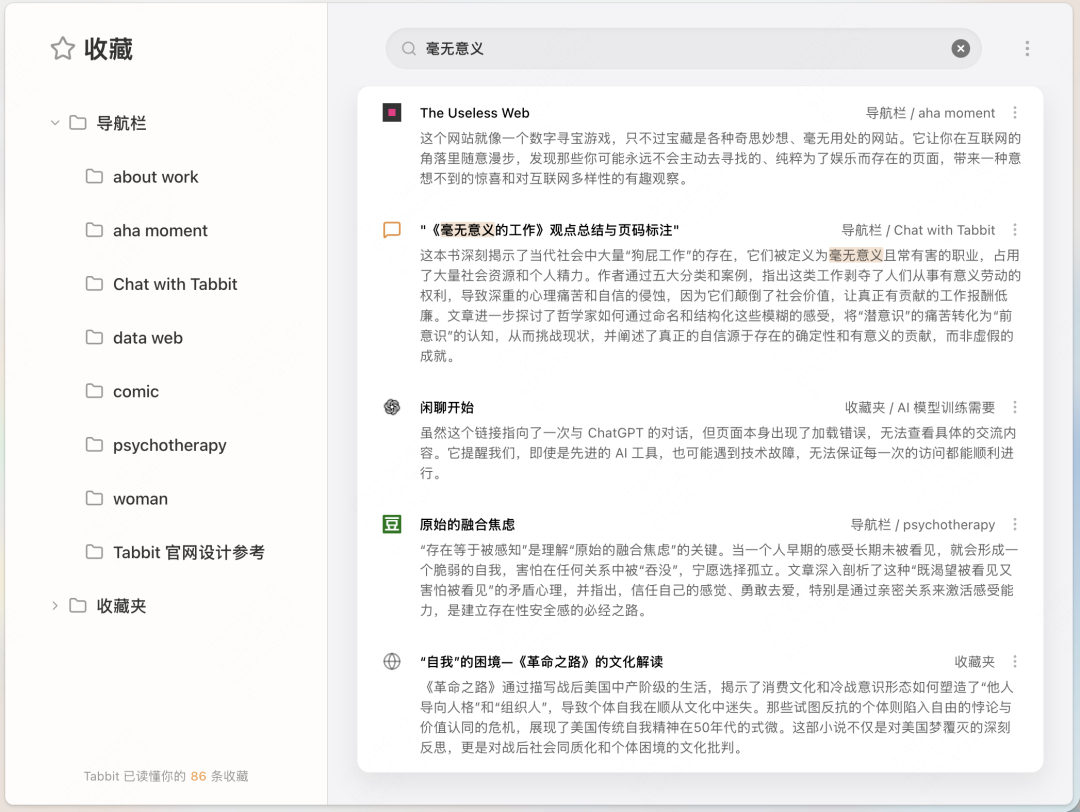
Related Chinese and English content can be found at the same time. You can see not only the names of webpages you saved before, but also where they were saved and page descriptions, helping you quickly remember what each webpage was for.
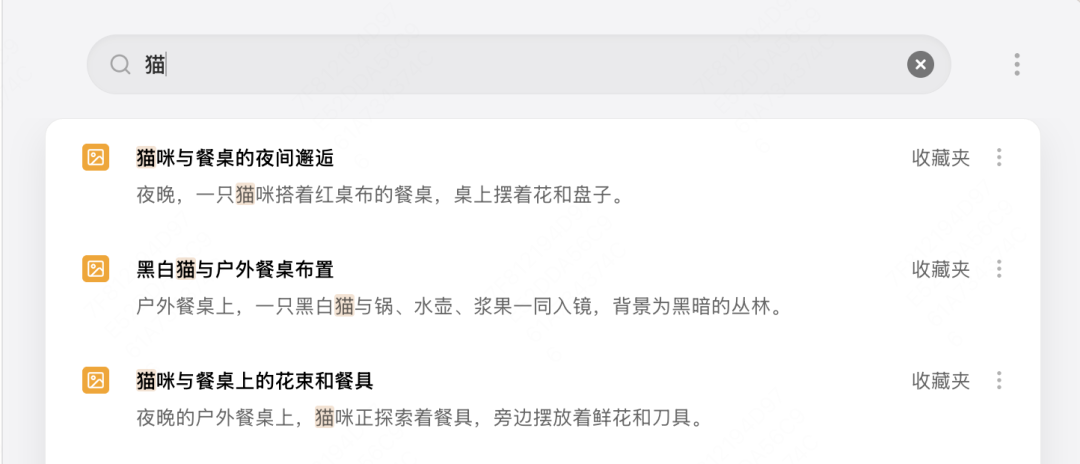
In Tabbit, webpages, conversations, a passage that moved you, or an image you like can all be bookmarked with a right-click. You can also find images with fuzzy keywords. Yes, Tabbit describes what the photo looks like.
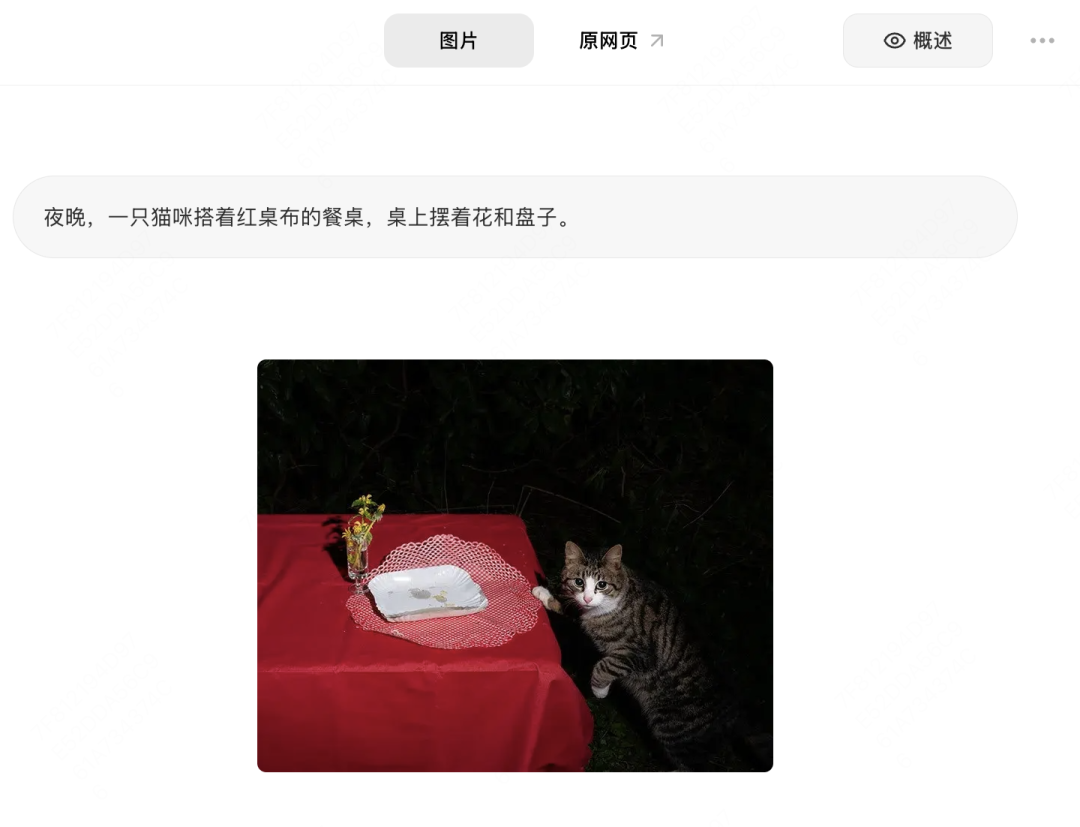
You can also let AI deeply analyze materials in your bookmarks, such as classifying and organizing all content, analyzing your reading preferences, finding links that have expired, and more.
This is also something Tabbit really wants to do: wake up your half-asleep bookmarks.
The webpages you bookmarked are often the ones that moved you after reading, and they should have been the information sources you trusted most. Unfortunately, in the past, they usually ended up quietly collecting dust after being saved, making it hard to tell whether this was a bookmarks folder or a recycle bin. In Tabbit, these valuable resources can be truly used. When AI references sources, it prioritizes these best sources.
Tabbit turns your bookmarks from a dusty tomb into Sherlock Holmes' memory palace, making every saved item part of your intelligence assets.
06
Found a strange button called Intelligent Agent
Want to see what it does?
This is one of Tabbit's coolest features.
In the chat box, you will see a small Intelligent Agent button. It is not an ordinary AI chat tool; it is an intelligent assistant that can automatically execute tasks.
What does that mean? Here is an example:
Select Intelligent Agent, then enter the instruction:
I plan to write a research review on large language model evaluation. Please complete the following tasks:
1. Help me find 5 recent papers related to this field on arXiv, then open and read them.
2. Based on what you read, write a first draft of the review in Chinese.
Next, you will see Intelligent Agent automatically open websites, filter papers according to your requirements, open and read them carefully, and then produce a high-quality research report or review draft.
You do not need to do anything during the process. Just confirm at the end.
Intelligent Agent is like your personal assistant, handling tedious work when you are too lazy or too busy to do it yourself.
Besides academic research, what else can it do?
Handle complex operations: process large numbers of approvals according to requirements, and repeatedly fill out tedious forms in internal company systems. Those multi-page forms that make people break down? Leave them to it.
Collect materials and data: for example, gather detailed data such as reads, likes, and comments for every article you have published, and automatically summarize it into a table.
Shopping: describe what you need, and Intelligent Agent automatically filters suitable products and creates an order, waiting for your final confirmation.
What is the most effortless part?
When Intelligent Agent is executing a task, you can leave it aside, open other pages, read news, watch videos, or do anything else you want. The two tasks do not interfere with each other: it works quietly in the background while you browse freely in the foreground, enabling real multitasking.
07
Tired of the look and want to change colors or themes?
There is a small palette button called Customize Theme in the lower-right corner of the new tab page. Click it to change themes and colors and make the browser look the way you like:
08
Want to try something you have never played with before?
On any page, open chat, type / - Use Script - and enter some wild idea, such as "generate a puppy that poops everywhere" or "make cats rain on the page". What do you think will happen?
That is a quick set of tips for getting started with Tabbit.
Tabbit has many more interesting feature details. We will keep updating them in future articles, and you are welcome to join our exploration by sharing your discoveries and questions in the comments.
Click Read Original to download and try Tabbit Browser for free.